
Site content & admin
Website logins for the people you serve
Let patients, guests, households, and other records sign in on your site for appointments, invoices, subscriptions, and preferences.
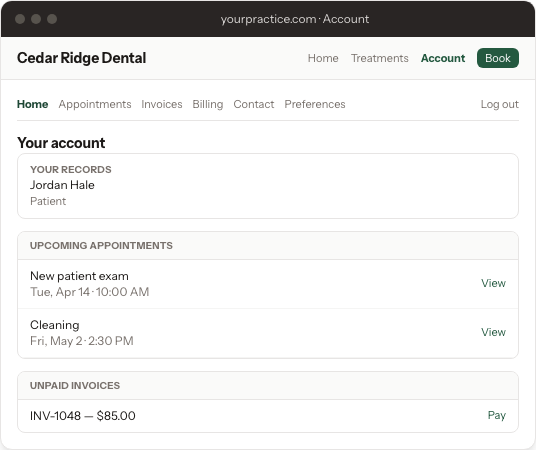
Give patients, guests, households, students, or customers a sign-in on your website—not in your NurtureSite account. They use Account in the header and footer to see appointments, invoices, subscriptions, and communication preferences.
This is not a medical chart, imaging portal, or Open Dental patient portal. Your NurtureSite login (the account you use to manage sites) is a different thing.
Turn it on
You can enable logins while the site is planned, or later:
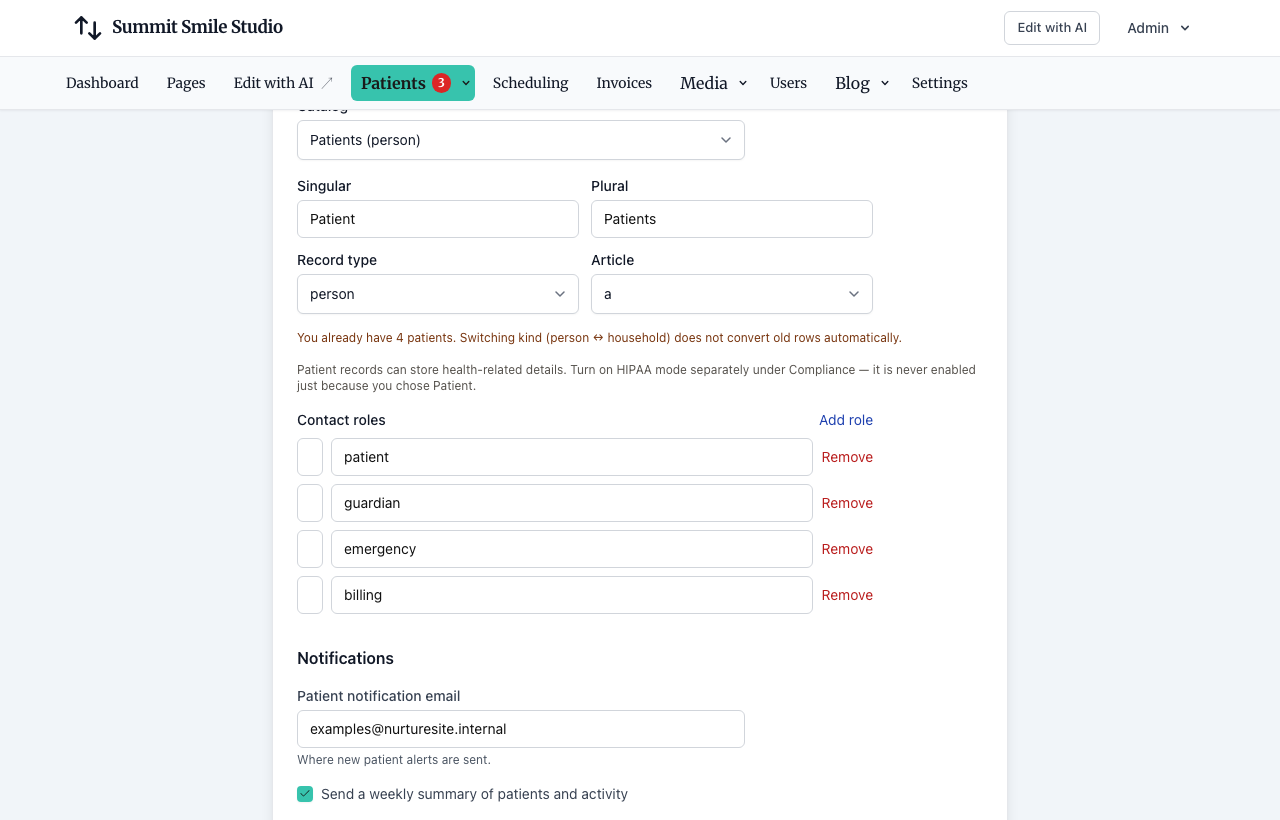
- During provisioning, answer the question next to what you call people (“Give each patient a login…?”). It is off unless you check it.
- After launch, open the site page in NurtureSite and use {noun} logins (for example Patient logins), then Save & push to site.
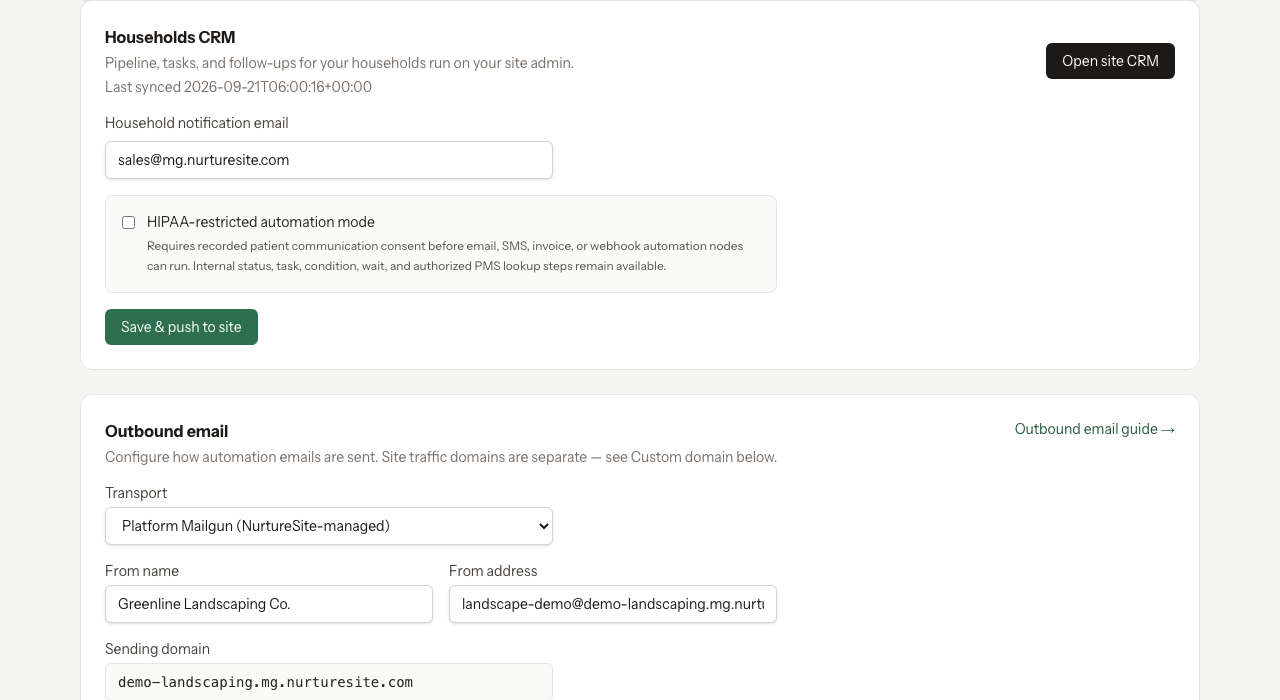
- Site admin → CRM → Settings has the same switch. Saving {noun} logins on the NurtureSite site page overwrites it. Syncing mail settings does not turn logins off.
Who gets the email
When logins are on, saving an email enrolls that person only if they are among the people sequences already email:
- Person records (Patient, Guest, Member, Customer): the person on the record
- Household and place records: the primary contact
- Student records: every contact on the record
Phone-only records stay out. Turning the setting on emails people who already have an audience email. A later edit does not send another invite. Changing who sequences go to later stops new enrollments outside that group; existing logins stay.
The email is a transactional account message. They will not get it if they opted out of transactional email. One login per email address.
Passwords
They choose their own password from the email. You never see it.
In site admin → CRM → {noun} logins you can:
- Resend the setup email while they have not set a password
- Send a reset after they have a password
- Turn a login off (it stays off, even if that email is saved again)
- Turn it back on, optionally with a fresh email
Forgot-password on the public site sends a single-use link (about 60 minutes) when the login is invited or active. Unknown emails and turned-off logins get the same generic response.
Appointments
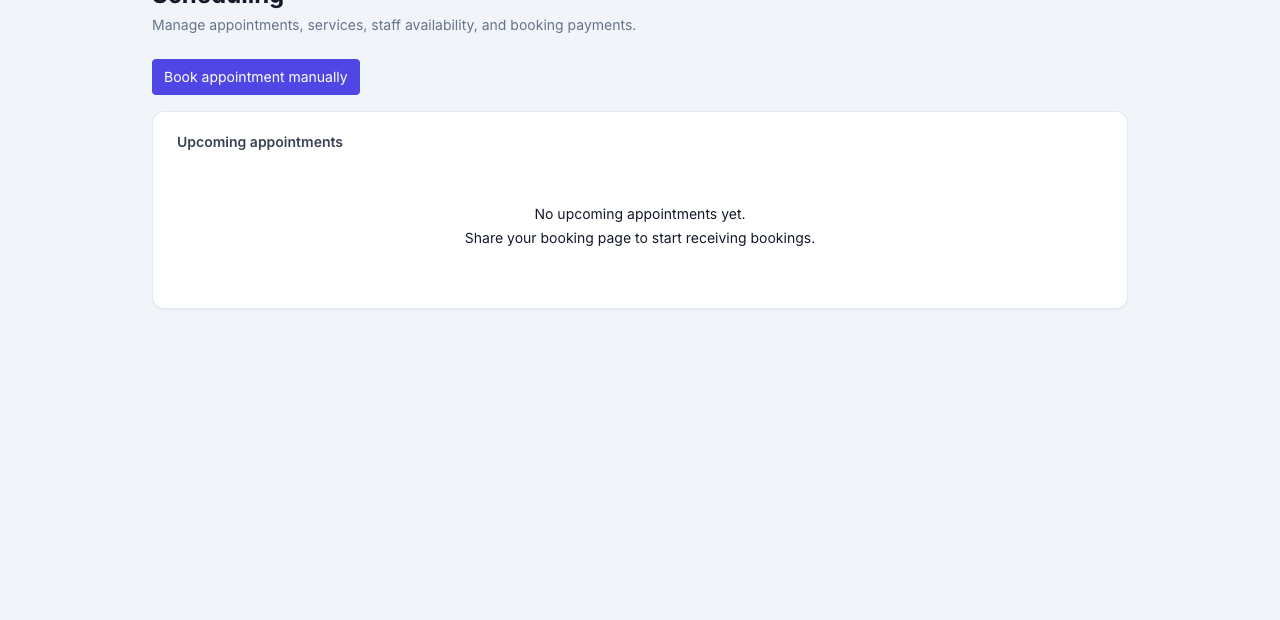
They see upcoming and past appointments for their records. They can move or cancel a confirmed visit only inside the notice window and reschedule limit you already set (site default 24 hours’ notice, up to 3 reschedules). The page explains when a change is closed. They cannot change the service or the party size—that stays in site admin.
Invoices
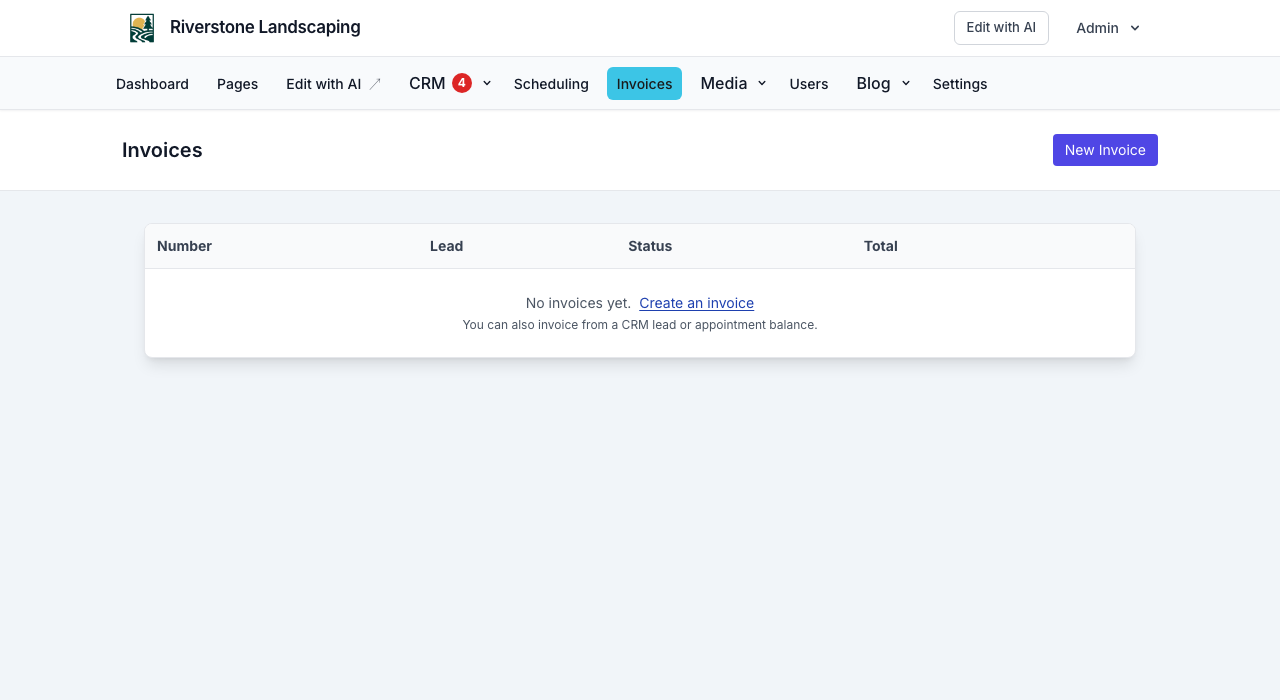
They see unpaid invoices and past invoices that were paid or cancelled. Drafts stay in your admin. They can pay with Stripe Connect and download the PDF. Money goes to the business.
Subscriptions
You create subscription plans under site admin → Invoices → Plans. Paying and subscriptions need Stripe Connect; there is no NurtureSite cut on these charges.
Signed-in people can start a plan, switch among the plans you publish, cancel at the end of the current period (or undo that), and update their card. Open and paid Stripe invoices from the subscription show in the same invoice list. Past due is visible; Stripe retries the card.

Contact details and preferences
They can update their own name, phone, and login email (email changes need a confirmation link to the new address). On a household, place, or organization they edit themselves and see the record name and their role. They do not rename the household.
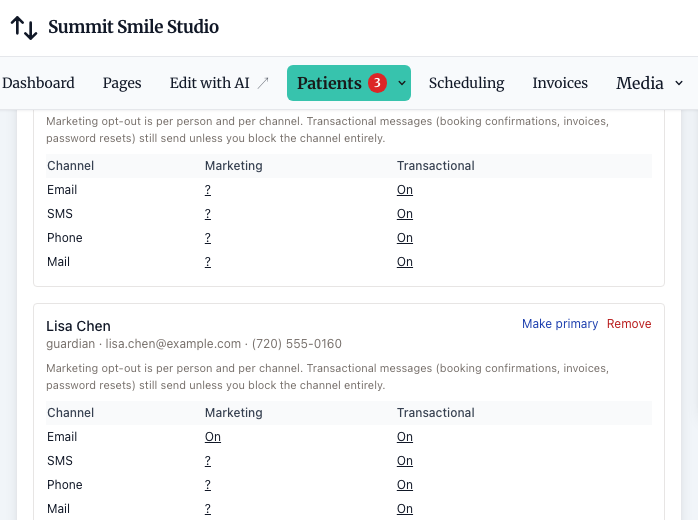
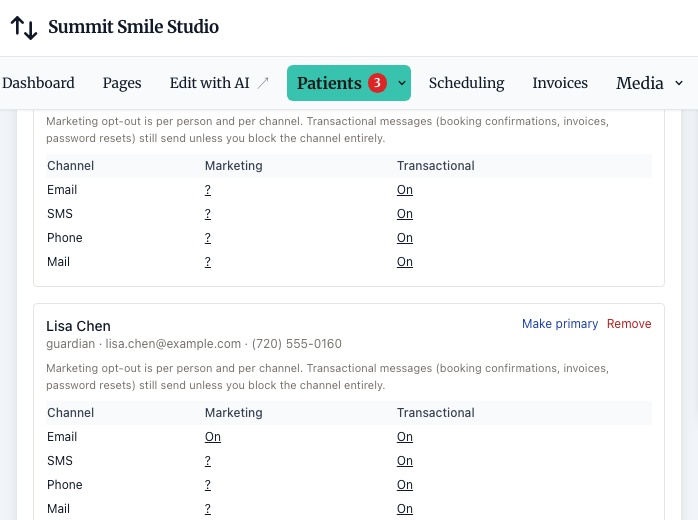
They can set marketing and transactional preferences for email, SMS, phone, and mail. The same choice is written everywhere that email is used, so an opt-out is not left active on another record.
They can download a file of their profile, preferences, appointments, invoices, and subscription. Your private notes and other people’s records are not in that file.
Links in existing emails still work
One-appointment manage links, one-invoice pay links, and unsubscribe links keep working. Unsubscribe still turns off marketing email in one click and can point people to the signed-in preference screen.
Related articles
- Getting startedRegister, complete onboarding, and launch your first site.
- NurtureSite vs site adminWhen to use your NurtureSite account and when to use your site admin.
- Site admin basicsLogin, roles, navigation, and opening admin from NurtureSite.
- Site settingsBranding, navigation, contact, SEO, and analytics toggles.
- Site CRMNamed records (Customers, Patients, Households, Students, Leads), pipeline, tasks, alerts, invoices, and follow-up automations in site admin.
- CRM recordsName the list Customers, Patients, Households, Students, or Leads; primary contact, matching, consent, and send audience.
- Customer invoicesInvoice appointment balances and CRM leads; pay links, PDFs, and automations.
- Managing appointmentsView, cancel, invoice balances, confirmation emails, and customer manage links.
- Scheduling overviewUpcoming appointments and Stripe Connect in NurtureSite.
- Stripe Connect, deposits, and invoicesCollect appointment deposits, send customer invoices, and receive payouts.
- Visitor experienceForms, consent, optional AI chat agent, booking flow, unsubscribe, and website logins.
- Support verification PINRegenerate your PIN for support identity verification.
- Factory admin — provisioningInternal: create sites, deployments, and template sync.