
Your account
Support verification PIN
Regenerate your PIN for support identity verification.
NurtureSite provides a support verification PIN to help our team confirm your identity on phone or chat support.
Where to find it
Open Security in your NurtureSite account (/security).
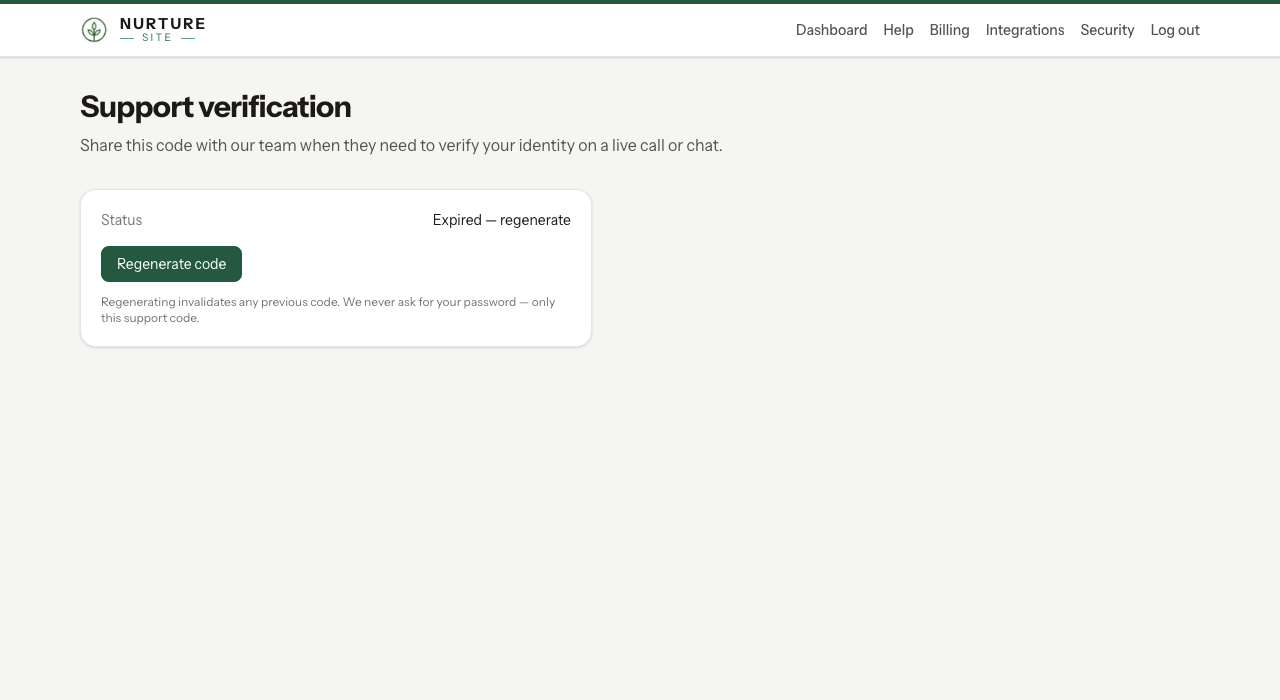
Regenerate your PIN
Click Regenerate PIN. The new PIN is shown once and may be emailed to your account email. Store it securely.
When support asks for it
Provide the PIN when a support agent requests identity verification. The PIN is not your login password and does not grant account access by itself.
Changes by phone
The phone support assistant can answer questions without verifying you. Before it changes anything on your website, it needs one of these, tied to your account and that site:
- your support verification PIN, or
- a one-time code it emails to your account address.
Caller ID, or knowing the account's email address, is not enough. Verification lasts 15 minutes. We email you when your PIN is used on a call, and send a receipt of any change made by phone. After several failed attempts, phone verification for your account pauses for an hour and we email you.
Portal AI chat
The Security page does not show the floating AI assistant (by design). Use Getting help for chat on other pages.
Two-factor authentication
Customer portal two-factor authentication is not currently available for your NurtureSite account. Protect that login with a unique password. Website logins on a business site (patients, guests, households) are a different sign-in—see Website logins.