
Site content & admin
Blog and media
Posts, categories, AI blog, and media library.
Blog
site admin → Blog
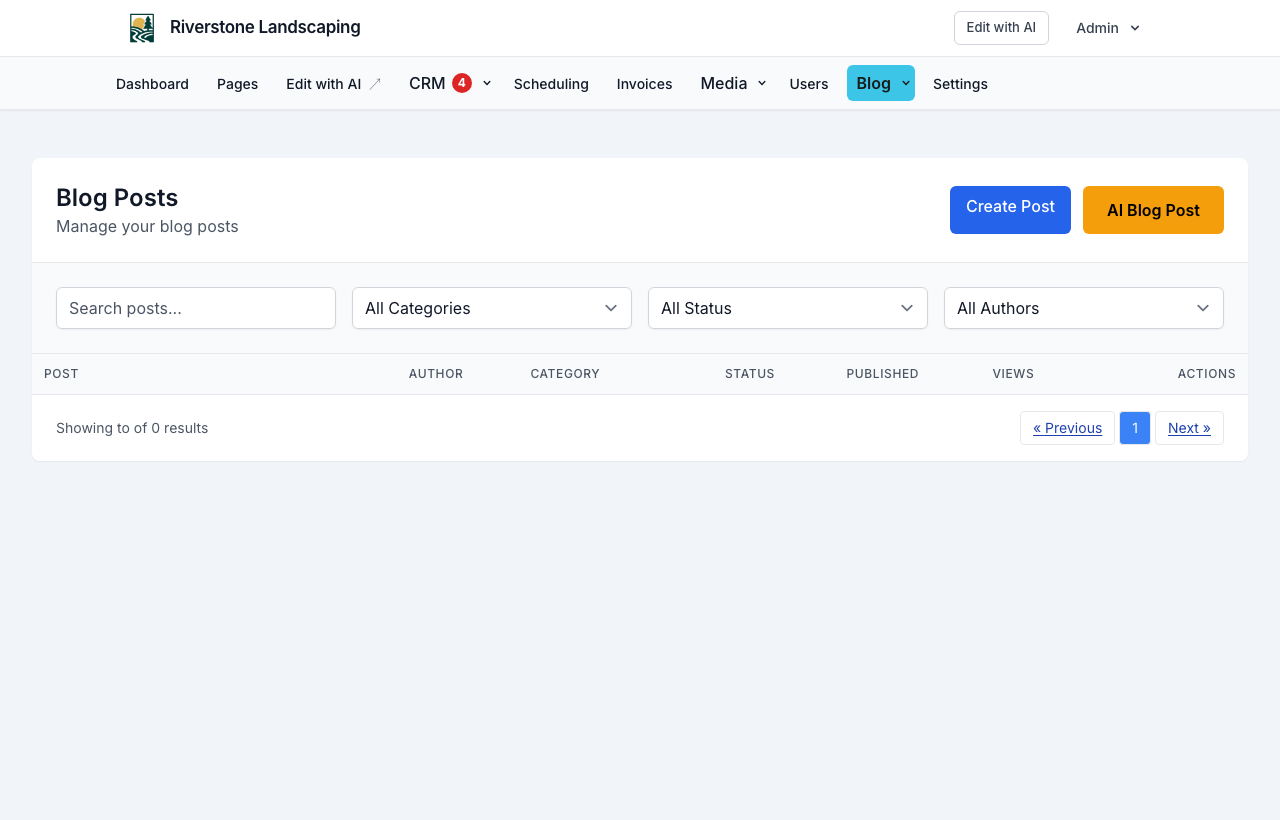
- Posts — Create, edit, publish, feature posts
- Categories — Organize posts; toggle active
- Tags — Label posts for filtering
AI blog assistant
Draft posts with AI from the blog editor. Review facts, tone, and compliance before publishing.
The AI uses:
- Your site name, tagline, contact info, and meta keywords
- Published pages (for internal links)
- Your Blog AI brief (voice, audience, services, standing instructions)
- Onboarding research from your website URL (services, brand values), when available
site admin → Blog → AI Settings — configure once; applies to the AI assistant, SEO Blog, and weekly auto-drafts.
NurtureSite may also plan migrated posts at launch if you provided an existing website URL during onboarding.
SEO Blog (Google Search Console)
site admin → Blog → SEO Blog
- Connect your verified Google Search Console property.
- Sync search data and review opportunities (queries with impressions and ranking potential).
- Edit generation context (voice, audience, services, standing instructions). Open Blog → AI Settings for avoid-topics and featured-image options.
- Generate a draft post (included with hosting when Google Search Console is connected).
- Edit, regenerate with notes, schedule, or publish from the blog editor.
SEO blog drafts are included with your plan when Search Console is connected — not a $5/post upsell. Disconnect Search Console anytime to stop new data collection.
Weekly auto-draft uses your standing instructions when enabled. Choose which day of the week to receive a draft from your top Search Console opportunity (Tuesday by default). Nothing publishes until you approve it.
Featured images: Enable automatic AI featured images in AI Settings, or use Generate featured image with AI on the post editor.
Media library
site admin → Media
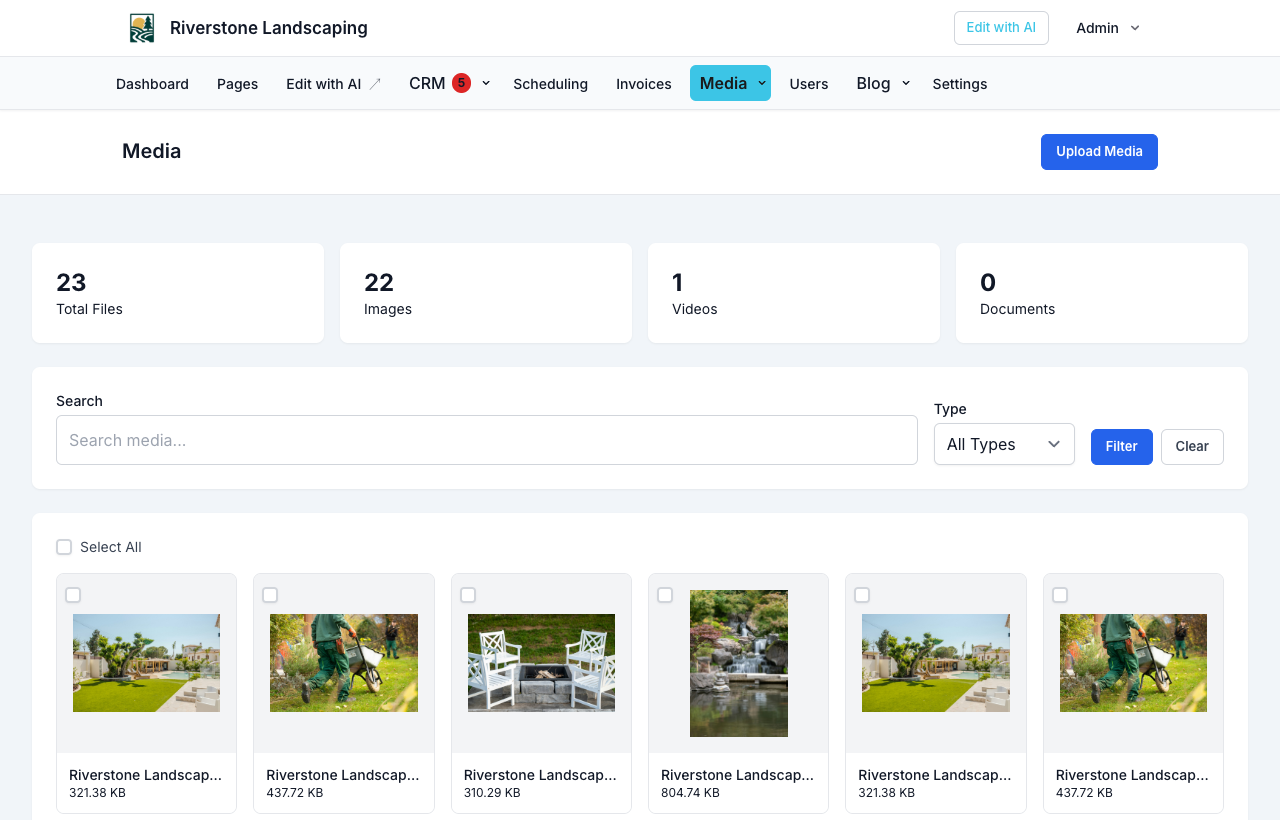
- Upload images (drag and drop)
- Edit alt text and captions
- Set visibility: public or private
- Filter and bulk delete
Media categories help organize large libraries.
Using media on pages
Insert images from the media library into page blocks and blog posts.
Public gallery
Some sites expose a Gallery page or media library for visitors—configured per site template.