
Site content & admin
Site settings
Branding, navigation, contact, SEO, and analytics toggles.
site admin → Settings controls global site behavior and appearance.
Setting groups
Typical tabs include:
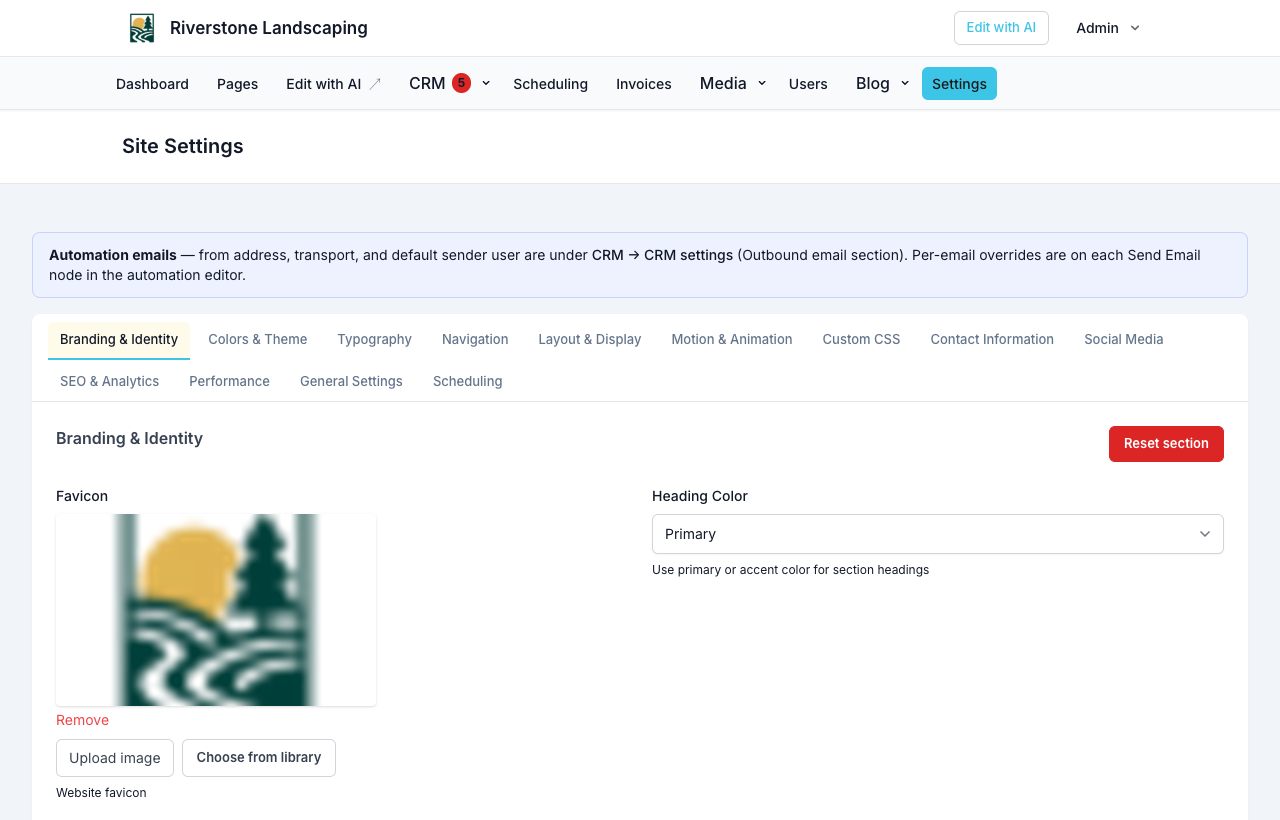
- Branding — Logo, site name, favicon
- Colors & typography — Theme variables
- Navigation — Menu structure and page picker
- Layout — Header/footer options
- Contact — Phone, email, address shown on site
- Social — Profile links
- SEO & analytics — Meta defaults, tracking toggles, optional GA/FB pixel IDs
- Performance — Caching and related options
- General — Timezone, locale, misc.
- Scheduling — Enable scheduling, business timezone, default cancel notice, and Slot hold minutes (how long a booked slot stays reserved while a customer finishes deposit Checkout). Required document packages keep the slot held until signed and bump that window — see Forms, waivers, and e-sign and Unpaid holds.
Analytics toggles
Enable or disable first-party tracking and configure how third-party pixels behave with consent.
Full analytics reports are in your NurtureSite account. See Analytics dashboard.
Search engines and your sitemap
There is nothing to set here: every site handles this on its own.
- Live sites, including sites on a trial, serve
yoursite.com/sitemap.xml. It lists each published page and blog post once, andyoursite.com/robots.txtpoints search engines to it. - Previews, and sites whose plan has ended or is past due, have no sitemap and are marked so search engines leave them out.
- To ask Google to read your sitemap sooner, add
https://yoursite.com/sitemap.xmlunder Sitemaps in Google Search Console. A sitemap helps search engines find your pages; it does not change where they rank.
Import and export
Export settings for backup or import into another environment (advanced).
Reset to defaults restores factory-seeded settings—use carefully.
NurtureSite brand refresh
NurtureSite can refresh theme from your account site page. Fine-tune results here afterward. See Brand and theme.
Website logins for the people you serve are turned on from the NurtureSite site page or CRM Settings—not from this Settings screen. See Website logins.
Related articles
- Brand and themePreview moods, refresh your brand, and rollback changes.
- Analytics dashboardPer-site analytics, settings, consent, and export.
- Website logins for the people you serveLet patients, guests, households, and other records sign in on your site for appointments, invoices, subscriptions, and preferences.