
Site content & admin
Visitor experience
Forms, consent, optional AI chat agent, booking flow, unsubscribe, and website logins.
What your customers see and do on your public site.
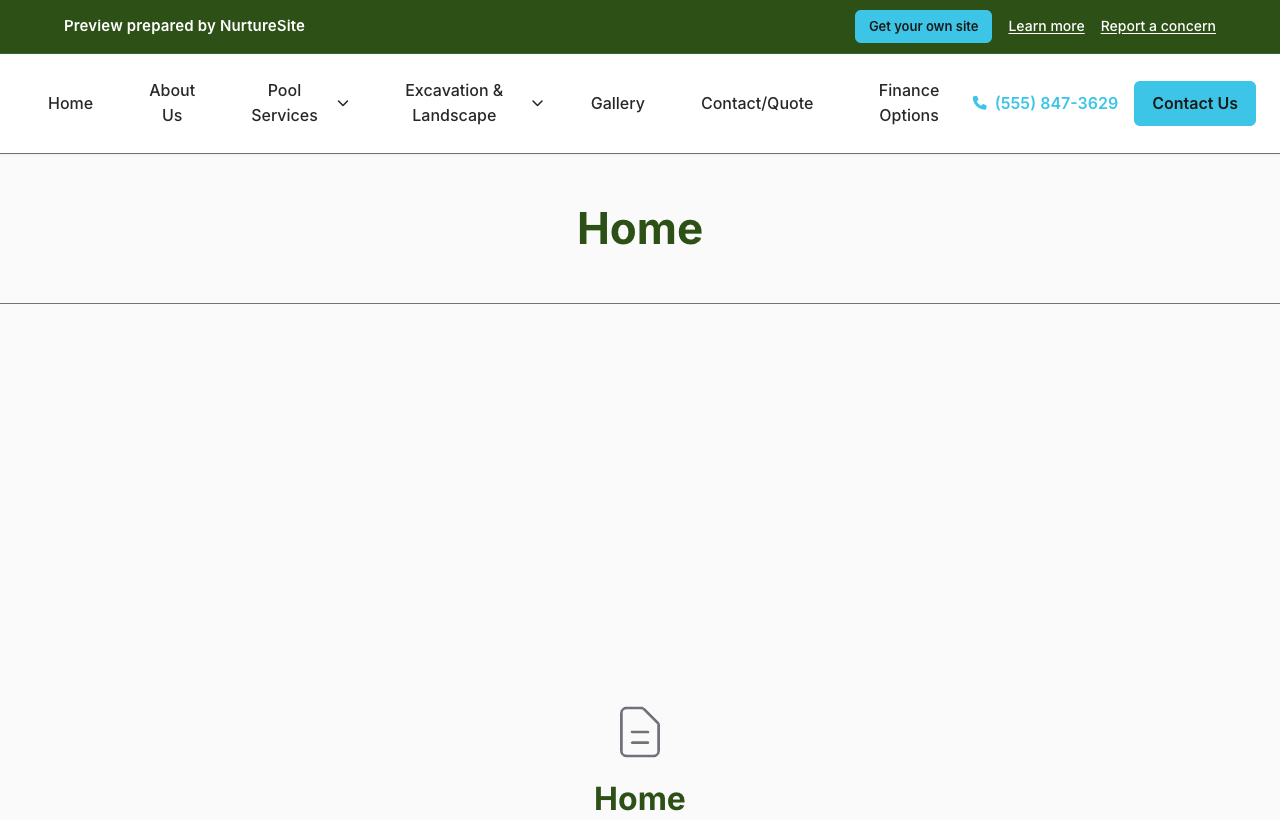
Contact and quote forms
- Contact form — General inquiries (
POST /contact) - Quote form — Structured quote requests (
POST /quote)
Both use honeypot spam protection and rate limits. Submissions create a CRM record (Customer, Lead, Patient, Household, … depending on how the site is set up) with analytics attribution. Household / home-service sites should collect a service address so two houses that share a bookkeeper stay two jobs.
Online booking
The booking scheduler block guides visitors through service or class, time (with spots left on groups), party size, optional e-sign (click-through ESIGN disclosure, then typed or drawn mark), and checkout. Required packages keep the slot held until signed — then Stripe if a deposit is due. See Online booking setup, Group and class bookings, and Forms, waivers, and e-sign.
Post-payment return: /book/complete. Abandoned checkout: /book/cancelled. Signing: /sign/{token}.
Cookie consent
A consent modal lets visitors accept all, reject non-essential, or customize analytics and marketing cookies. Choices are recorded to NurtureSite when configured.
Privacy and cookie policy pages ship with every site.
Optional AI chat agent
You can choose to add an AI agent on your public site that answers visitor questions and handles simple replies. It is not on by default for every live site — you enable it when you want that experience.
On example / demo sites, the agent appears as a bottom-right Demo guide so prospects can ask about the site (and, with an edit code, request content changes). See Editing your demo site content.
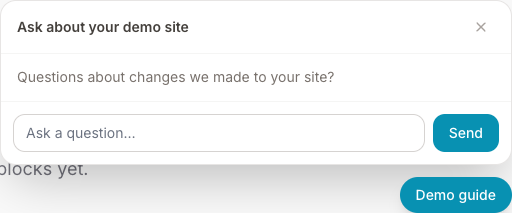
This is separate from Ask NurtureSite on the NurtureSite portal and marketing site, which helps you with your account — see Getting help.
Marketing consent
CRM email sequences require an explicit marketing opt-in for that person and channel (email / SMS / phone / mail × marketing vs transactional). Unknown is not enough to send marketing. Booking confirmations and invoices still send unless that person opted out of transactional mail/SMS.
Sequence emails are sent from your configured outbound sender — not necessarily the contact email shown on your public site.
See CRM records for the consent grid on each person.
Unsubscribe
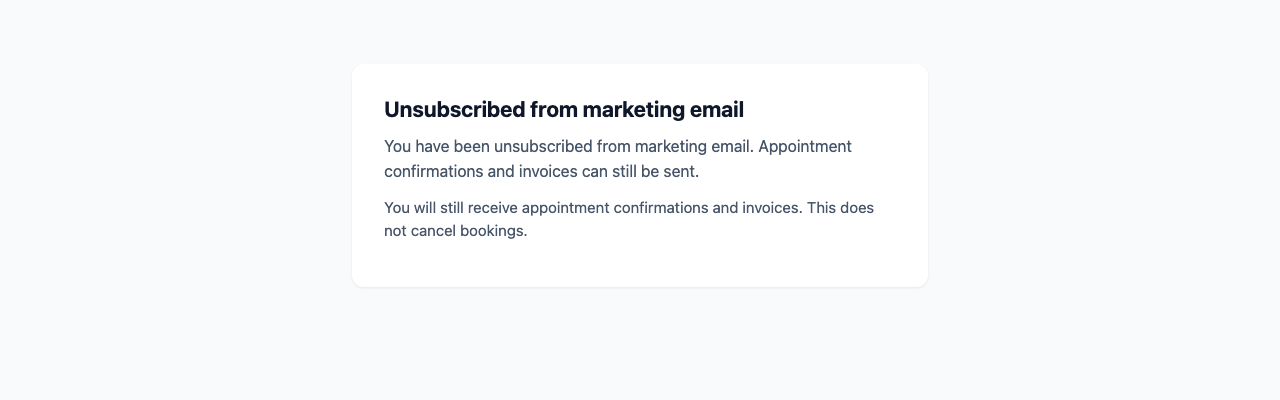
Email recipients can use /crm/unsubscribe/{token} to opt that person out of marketing email (and stop marketing enrollments). It does not stop invoices, appointment confirmations, or other transactional mail. When website logins are on, the page can also point them to signed-in preferences. See Website logins.
Subscription paywall
If your NurtureSite subscription is expired or cancelled, the public site may show a paywall. Booking routes and site admin typically remain available so customers can finish payments and you can recover.
Analytics tracking
With consent, ns-analytics.js sends events to NurtureSite. Server-side events may also be recorded.
See Analytics dashboard.
Related articles
- Analytics dashboardPer-site analytics, settings, consent, and export.
- Leads vs bookingsWhen to use contact forms vs the booking scheduler.
- CRM recordsName the list Customers, Patients, Households, Students, or Leads; primary contact, matching, consent, and send audience.
- Site CRMNamed records (Customers, Patients, Households, Students, Leads), pipeline, tasks, alerts, invoices, and follow-up automations in site admin.
- Forms, waivers, and e-signPrepare waivers and intake, collect signatures on your site, and keep signed PDFs on the CRM record—required at booking, sent after, or sent from the record any time.
- Website logins for the people you serveLet patients, guests, households, and other records sign in on your site for appointments, invoices, subscriptions, and preferences.