
Booking & payments
Scheduling overview
Upcoming appointments and Stripe Connect in NurtureSite.
Online booking is included on every NurtureSite plan. Configuration happens in site admin; NurtureSite shows a glance view and Stripe Connect.
NurtureSite site page
On your site detail page, the Scheduling panel shows:

- Upcoming appointments (proxied from your live site)
- Setup progress percentage
- Manage scheduling on your site — Opens
/admin/scheduling - Complete Stripe setup — When deposits or customer invoices need Connect onboarding
Site admin (primary)
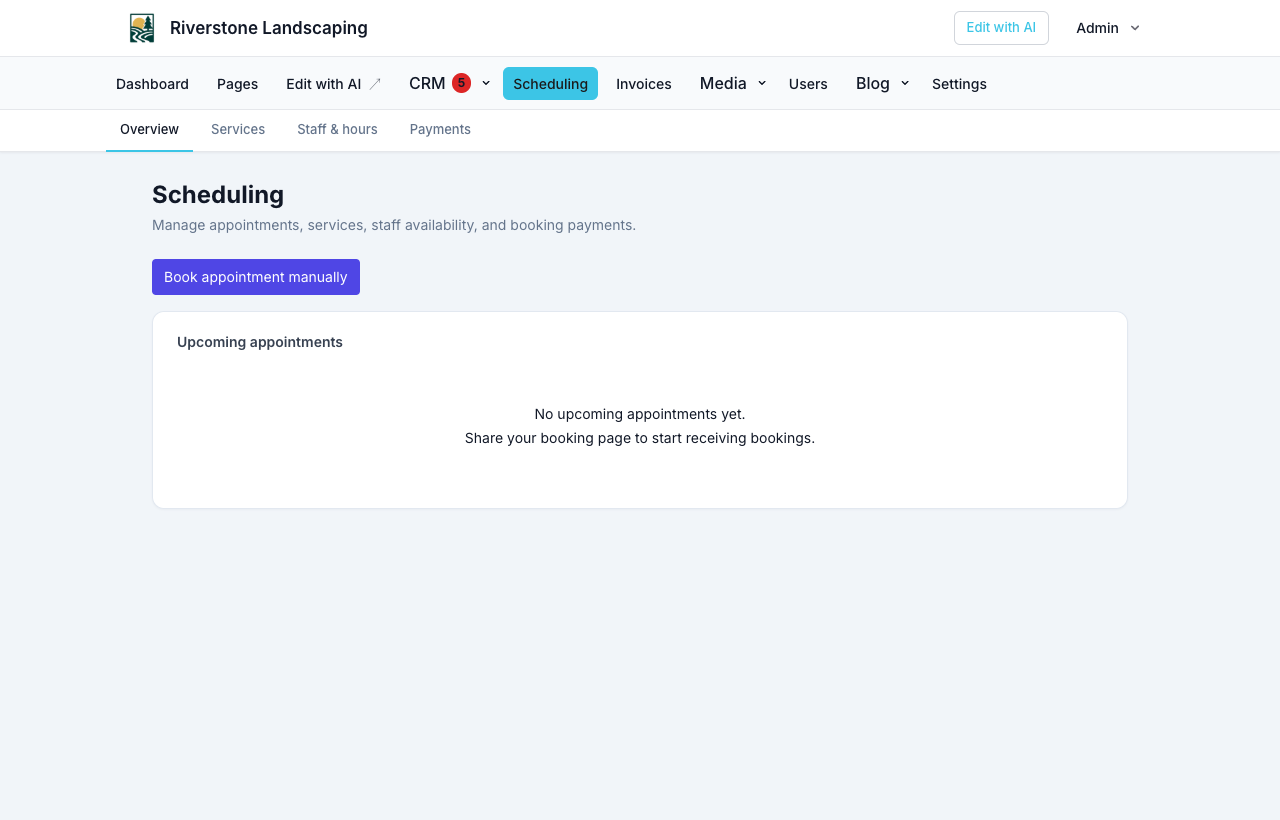
All scheduling setup lives on your site:
| Area | Path |
|---|---|
| Hub & checklist | /admin/scheduling |
| Services (booking types) | /admin/scheduling/services — one-on-one or group/class |
| Staff & hours | /admin/scheduling/staff |
| Payments / Connect status | /admin/scheduling/payments |
| Email templates | /admin/scheduling/email-templates |
| Appointment detail | /admin/scheduling/appointments/{id} |
| Customer invoices | /admin/invoices |
See Online booking setup for step-by-step setup, Group and class bookings for capacity and class times, Booking waitlists for offer-to-claim queues, Documents and e-sign for waivers and intake on a service, and Website logins if they should sign in to manage a confirmed visit.
What syncs to NurtureSite
When an appointment is confirmed on your site, NurtureSite may receive a webhook and show it in the scheduling panel. Analytics can track appointment_booked and appointment_paid goals.
Deposits and invoices
Optional booking deposits and customer invoices both use Stripe Connect. Complete onboarding from NurtureSite or site admin Payments. From an appointment you can invoice the remaining balance; from CRM leads you can send ad-hoc invoices. See Stripe Connect, deposits, and invoices.
Availability
Bookable hours default to Settings → Contact → Business Hours. Override per person under Staff & hours when someone works a different schedule. Settings → Scheduling sets the business timezone (provisioned from your account when the site is built), the default slot interval, and Who customers book with (service only, must pick a person, or any staff). See Who customers book with.
Reminder emails, the customer reschedule flow, and Google/Microsoft calendar sync are available when configured in site admin. See Limitations and roadmap for current product boundaries.
Related articles
- Online booking setupServices, staff, hours, timezone, payments, and the booking block.
- Group and class bookingsCapacity, class times, party size, and remaining spots on the widget.
- Booking waitlistsPer-service waitlists, offer-to-claim holds, class email, and booking amendments.
- Who customers book withService-only, must pick a person, or any stylist — and industry defaults.
- Stripe Connect, deposits, and invoicesCollect appointment deposits, send customer invoices, and receive payouts.
- Forms, waivers, and e-signPrepare waivers and intake, collect signatures on your site, and keep signed PDFs on the CRM record—required at booking, sent after, or sent from the record any time.
- Website logins for the people you serveLet patients, guests, households, and other records sign in on your site for appointments, invoices, subscriptions, and preferences.