
Booking & payments
Customer invoices
Invoice appointment balances and CRM leads; pay links, PDFs, and automations.
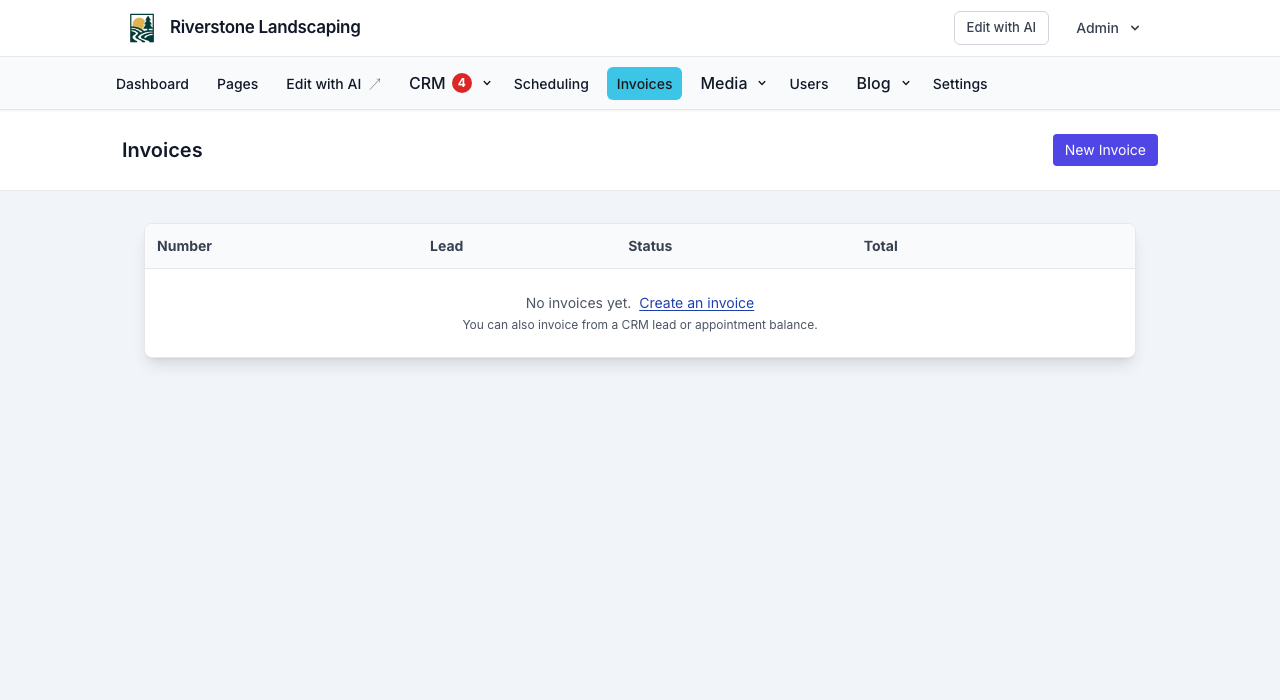
Send pay links to customers from your website admin—for remaining appointment balances, ad-hoc work from a CRM record, or a standalone New Invoice. Payments go to your Stripe Connect account (same setup used for booking deposits).
The page stays titled Invoices. Restaurant Orders are POS tickets (Toast/Omnivore), not renamed invoices. A catering pay-link is still an invoice.
Prerequisites
- Complete Stripe Connect from your NurtureSite site page (Complete Stripe setup) or site admin → Scheduling → Payments.
- For appointment balances, set a service price on the booking service so balance math works (price minus deposits paid).
- The customer needs a valid email address on the appointment or the record’s send-to contact.
Invoice an appointment balance
- Open Scheduling → appointments → {appointment}.
- Review price, deposits paid, and balance due.
- Click Invoice balance (requires Connect and at least $0.50 due).
- The invoice is created and emailed with a pay link (or saved as a draft if you choose).
After the customer pays, the balance updates automatically so you cannot invoice the same amount twice.
Invoice from a CRM record
From CRM → {noun} → {record}, create an invoice with line items (description, quantity, amount), optional memo and due date, then send the pay link. Pair the invoice with the record (“invoice this patient”) — do not rename the Invoices module.
New Invoice (standalone)
From site admin → Invoices → New Invoice:
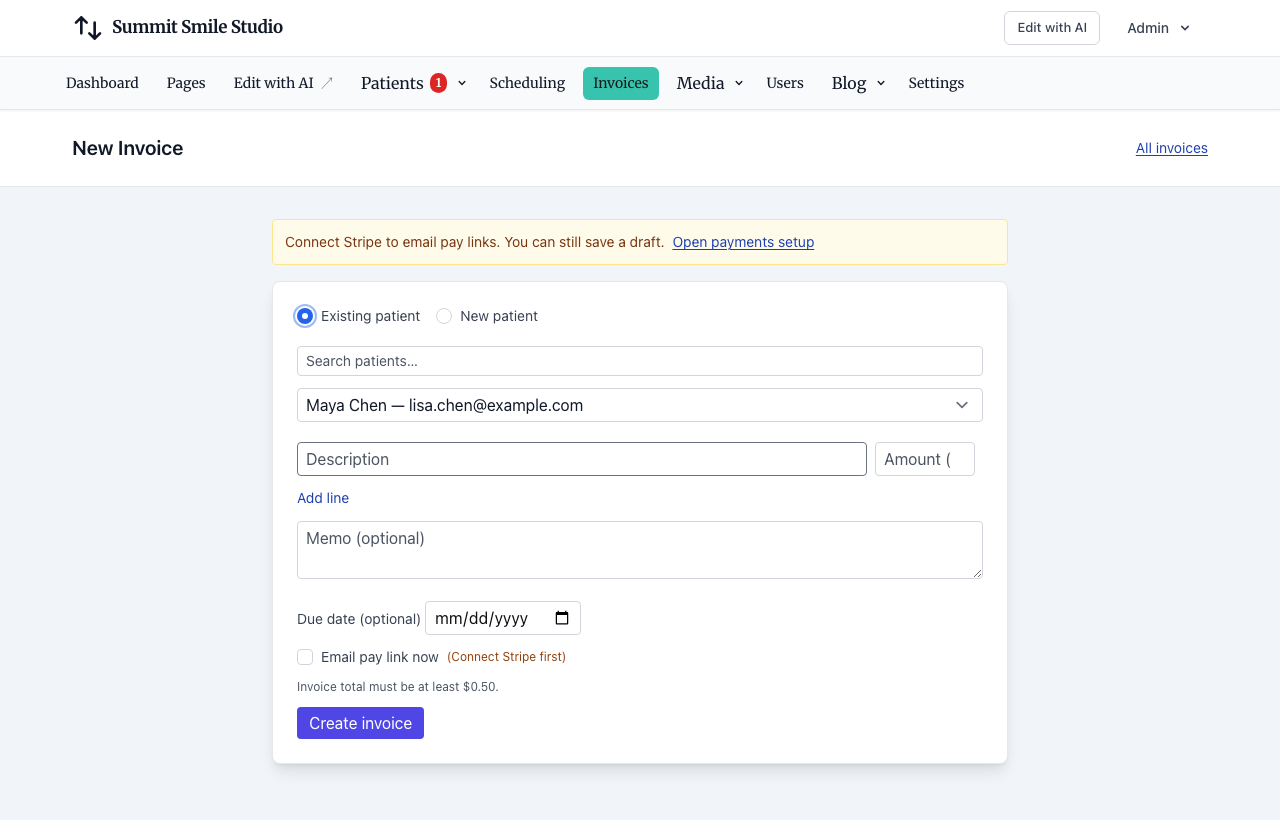
- Pick an existing {noun}, or enter a new {noun} (name + email). Matching emails reuse the existing record.
- Add line items (total must be at least $0.50).
- Optionally set a memo and due date.
- Email the pay link now (requires Stripe Connect), or save a draft and send later.
You can still invoice an appointment balance from the appointment page. Open site admin → Invoices for the full list.
Manage invoices
On Invoices → {invoice} you can:
- Edit drafts (memo, due date, line items)
- Download PDF
- Send or resend the customer email (PDF attached)
- Void unpaid invoices
Customers open /pay/invoice/{token} and complete Stripe Checkout. You receive an email when an invoice is paid.
Automations
CRM automations can:
- Trigger when an invoice is sent or paid (transactional—does not require marketing consent)
- Create invoice as an action node mid-flow (with optional send)
Use this for thank-you emails, follow-up tasks, or team alerts after payment. See CRM automations.
Troubleshooting
| Issue | What to check |
|---|---|
| Cannot send | Connect ready? (Scheduling → Payments) |
| Balance invoice disabled | Service price set? Deposit already covers full price? |
| Payment stuck | Customer finished Checkout? Check /pay/invoice/.../complete |
| No customer email | Mail configured on site; queues running |
Related articles
- Stripe Connect, deposits, and invoicesCollect appointment deposits, send customer invoices, and receive payouts.
- Managing appointmentsView, cancel, invoice balances, confirmation emails, and customer manage links.
- Site CRMNamed records (Customers, Patients, Households, Students, Leads), pipeline, tasks, alerts, invoices, and follow-up automations in site admin.
- CRM automationsVisual follow-up flows: triggers, email, conditions, webhooks, and testing.
- Forms, waivers, and e-signPrepare waivers and intake, collect signatures on your site, and keep signed PDFs on the CRM record—required at booking, sent after, or sent from the record any time.
- Website logins for the people you serveLet patients, guests, households, and other records sign in on your site for appointments, invoices, subscriptions, and preferences.