
Your account
Dashboard overview
Your portfolio, recent leads, analytics snapshot, and platform tour.
Your NurtureSite dashboard is the home base for all sites on your account.
What you see
- Site cards — Name, build status, trial days remaining, link to site detail.
- Live preview — Open the public site when deployment is complete.
- Add site — Start onboarding for another site (limited by your plan).
- This month — Leads, bookings, dollars collected, and invoices paid across your sites, compared with the same point last month. Each site page shows its own card.
- Portfolio analytics (7 days) — Visitors, conversions, conversion rate, and top traffic source per site.
- Recent leads — Cross-site list with name, message snippet, project, and attribution (UTM, referrer, landing page).
- AI assistant activity — Count of assistant actions in the last 7 days (when enabled).
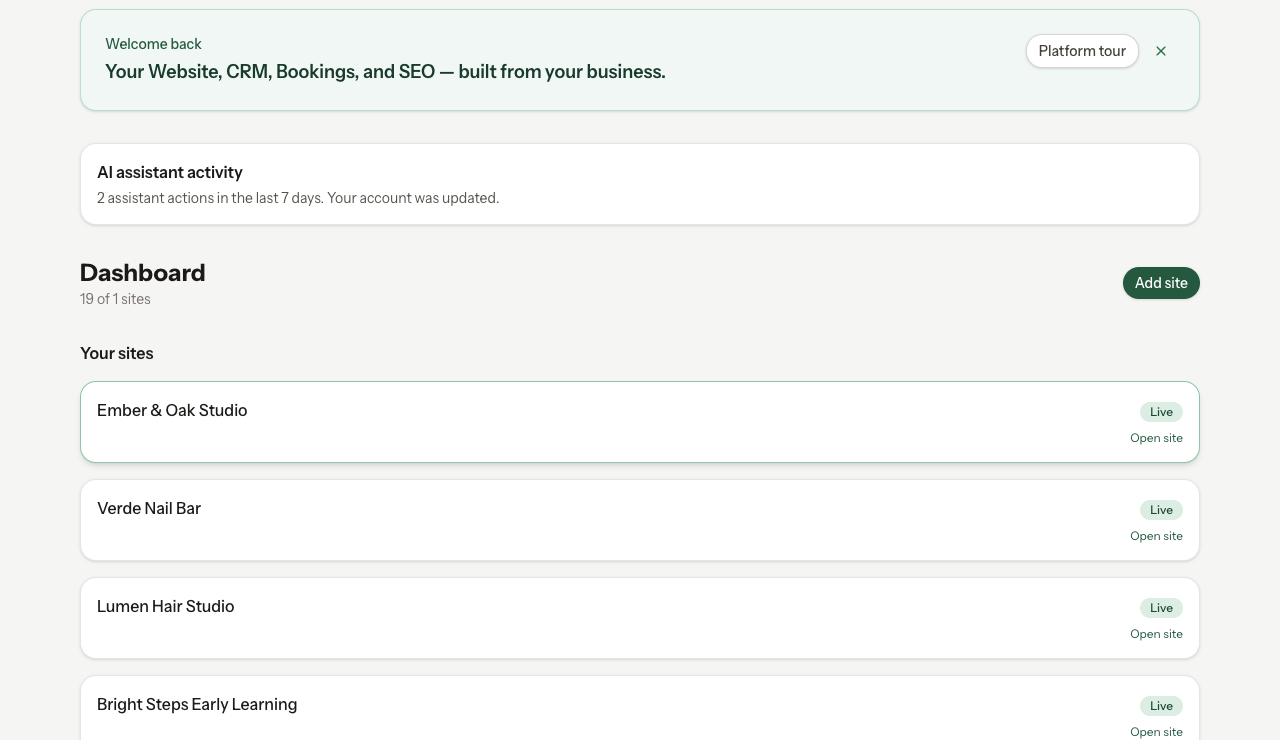
Platform tour
New accounts can launch a guided tour from the dashboard. It highlights opening a site, site admin, and reviewing the portfolio leads inbox. Complete steps at your own pace.
Next steps from the dashboard
- Click a site card to open site detail (build, domain, scheduling, theme).
- Open Analytics for a specific site from the site card or site page.
- Visit Billing before your preview ends.
- Use Security to manage your support verification PIN.
Email preferences
Choose which emails we send you about your sites from Notifications at the top of your account (/account/notifications):
- Weekly and monthly site reports: leads, bookings, money collected and visitors for each of your sites.
- Tips for quiet weeks: a short getting-started email when a live or trial site had no visitors, leads or bookings that week. It is sent only while site reports are on and visitor tracking is on for that site.
- New lead alerts: an email each time someone fills in a form on your site.
Each of these emails also has a one-click unsubscribe link at the bottom. Account and billing emails are always sent. These settings cover the emails NurtureSite sends you, not the emails your site's CRM sends your customers.
Multi-site plans
On Growth and Pro plans, the dashboard aggregates leads and analytics across sites. Each site still has its own site admin and content.