
Video tutorials
Short, narrated walkthroughs of your website, online booking, the CRM, follow-ups, e-sign and SEO. Every screen is a real NurtureSite demo site.
Start here
Your website
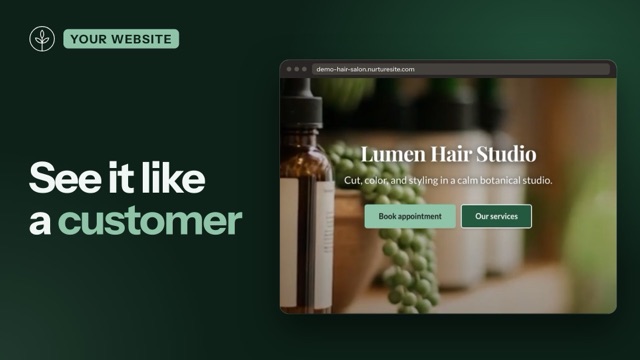 1:31Tour your website the way a visitor sees itBefore you change anything, see your website the way a customer does: the cookie banner, your homepage, booking, the quote form, and customer logins.
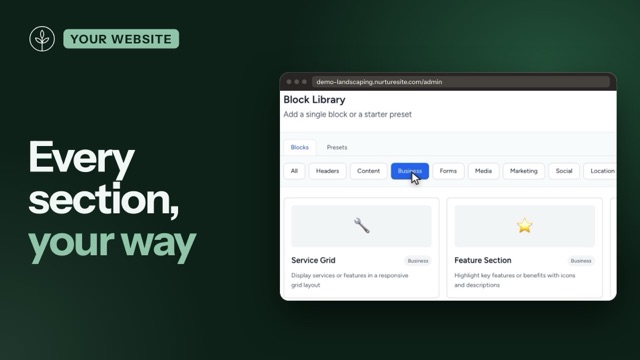 1:42Pages and blocks: exact controlChatting with AI is great for words and photos. For exact control over which section goes where, how it looks, and what Google shows, use the page editor.
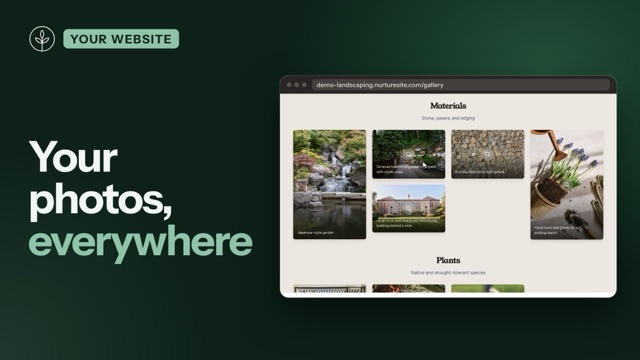 1:13Photos, media library and galleryYour own photos make the biggest difference to how your site feels. Here's where they live, how to sort them into categories, and how to put them on any page.
Bookings
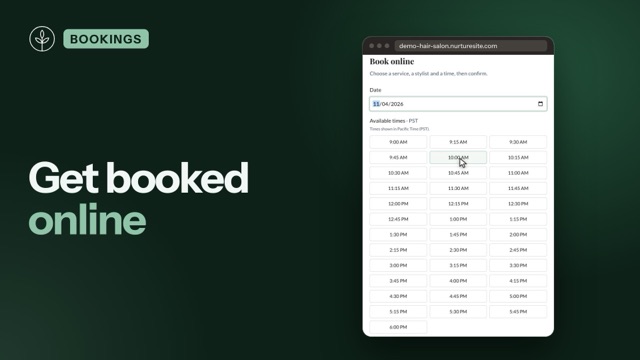 2:06Set up online bookingA customer picks a stylist and a time on your website, and the appointment lands straight on your calendar. Here's how to set up online booking: services, prices and deposits, staff and hours, and booking emails.
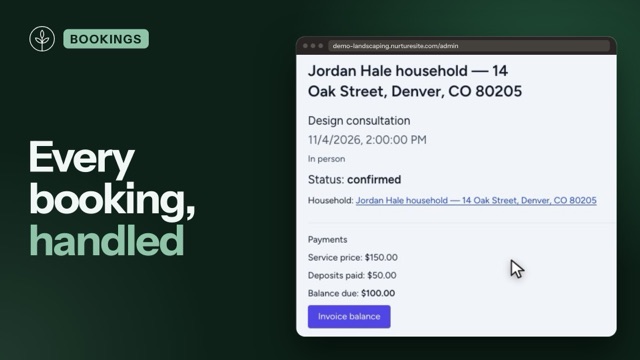 1:27Manage appointments day to dayOnce bookings come in, the work is keeping them straight: who's coming, what they've paid, and what's changed. Here's the day to day in the scheduling hub.
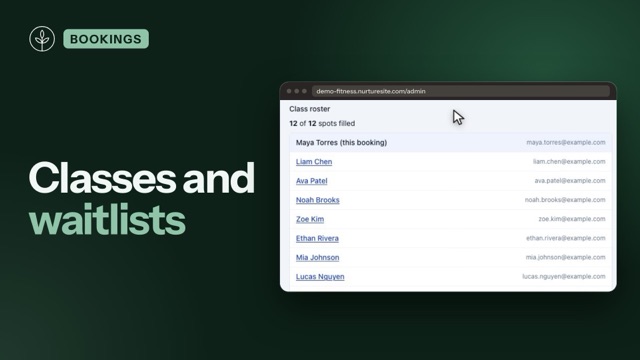 1:29Group classes and waitlistsClasses fill up. NurtureSite shows customers how many spots are left, and keeps a fair waitlist when a class is full. Here's how to set up group classes, see your roster, and run the waitlist.
Customers and CRM
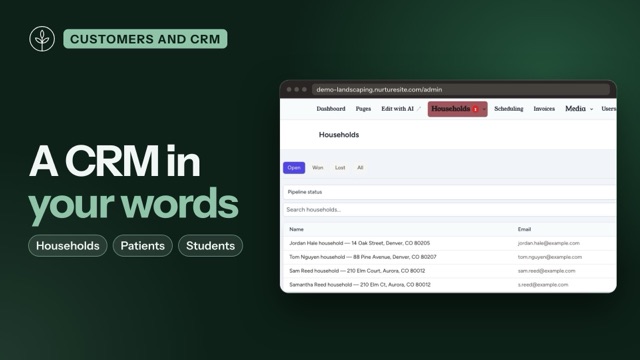 2:09A CRM named after your businessEvery NurtureSite comes with a CRM, and it speaks your language: households for a landscaper, patients for a dentist, students for a preschool. Here's how records, merging and consent work.
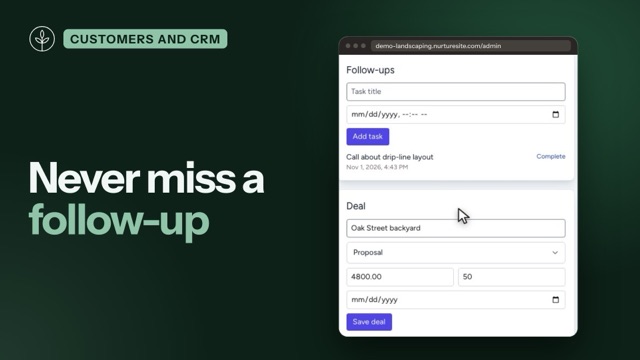 1:35Tasks, deals, alerts and CRM settingsBetween the first message and the finished job, your CRM keeps track of the follow-through: tasks with due dates, deals with a value, and alerts when something slips.
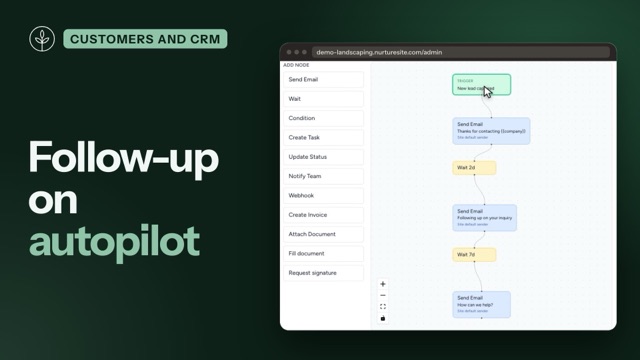 1:58Build a follow-up automationSomeone fills in your form on a Saturday night. Before you're up on Sunday, they've had a thank-you, and the next follow-up is already scheduled. Here's how to build that automation.
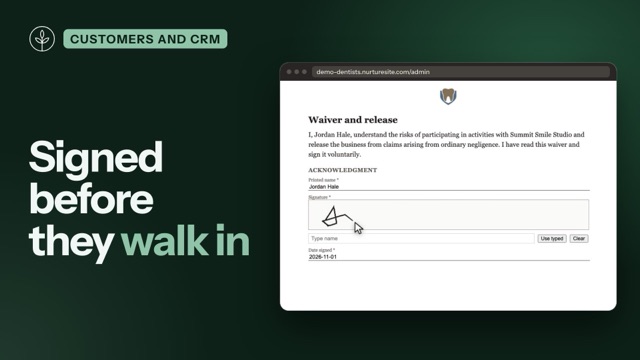 1:36Forms, waivers and e-signWaivers, consent forms and intake: your customers can sign them online before they walk in. Here's how to prepare a document, preview it as the signer, require it at booking, and send it from an automation.
Get found online
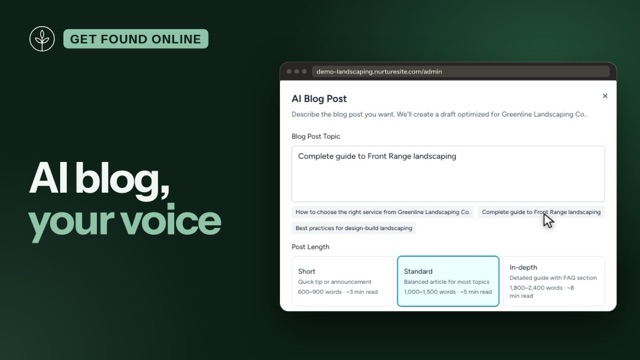 1:45Blog and SEO on autopilotYour blog brings people to your site from Google. NurtureSite drafts the posts in your voice; you check them and publish. Here's the AI settings, writing a post, reviewing it, and the weekly auto-draft.
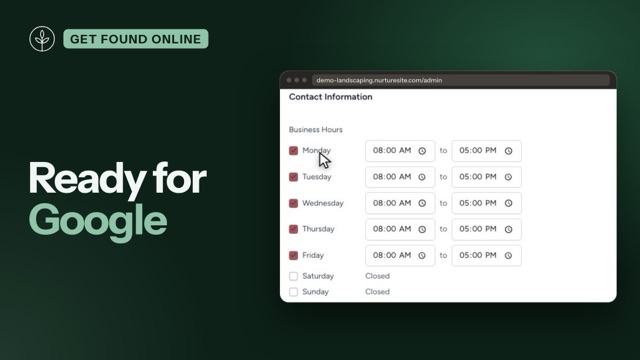 1:42Site settings, search engines and Google Business ProfileYour site settings hold the details that rarely change: your logo, your hours, what search engines see, and who can help you run the site.
Want this for your business?
We build your website for you, with booking and a CRM built in. Your preview is free, with no card.
Prefer to talk? NurtureSite Help answers live at