
SEO & analytics
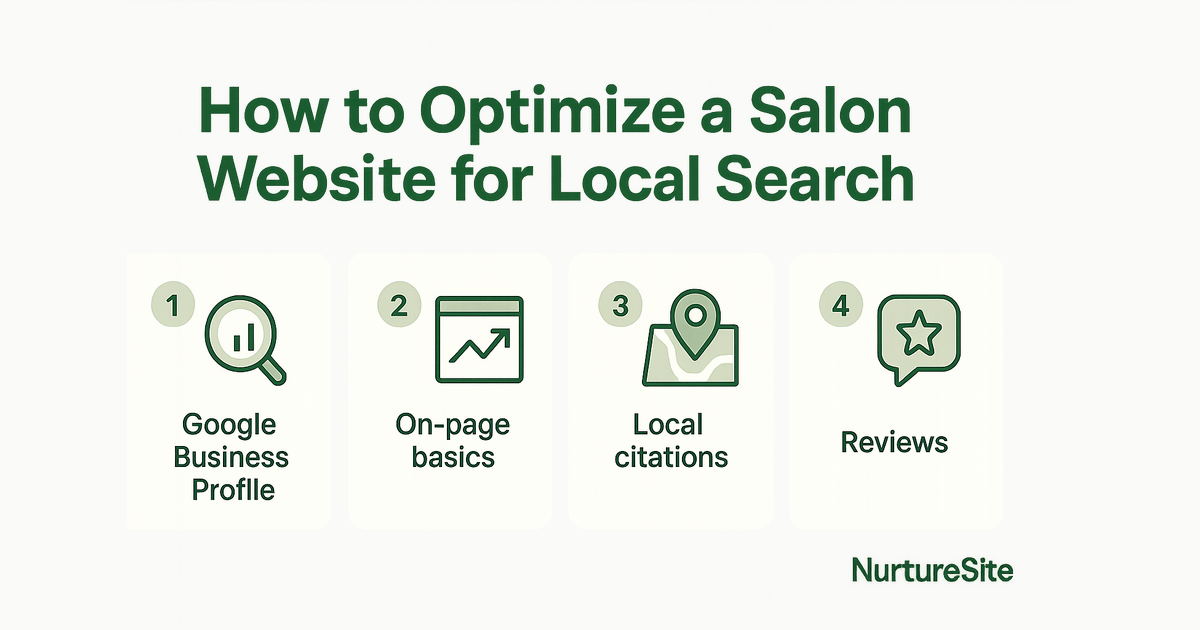
How to Optimize a Salon Website for Local Search
Learn how to optimize your salon website for local search with service menu pages, stylist bios, location signals, and on-domain booking.
By AJ Herold · July 20, 2026 · 6 min read
How this was written: drafted with AI assistance from NurtureSite's product documentation and Search Console data, then checked against the sources linked above and published under the editorial responsibility of AJ Herold. Spotted an error? Email sales@mg.nurturesite.com.
Introduction
In today's digital age, having a strong online presence is essential for salons looking to attract local clients. Optimizing your salon website for local search can significantly increase your visibility, drive more traffic, and ultimately lead to more bookings. In this guide, we'll explore key strategies, including creating service menu pages, showcasing stylist bios, and implementing on-domain booking systems.
Service Menu Pages for Cuts, Color, and Treatments
One of the most effective ways to optimize your salon website is by creating dedicated service menu pages. These pages should clearly outline the various services you offer, such as haircuts, coloring, and treatments.
Why Service Menu Pages Matter
Service menu pages serve multiple purposes:
- SEO Optimization: Each service page can be optimized for specific keywords, making it easier for potential clients to find you when searching for those services.
- User Experience: Clearly defined services help visitors quickly understand what you offer, leading to better user engagement.
- Booking Conversion: By including booking options directly on these pages, you can streamline the process for clients looking to schedule an appointment.
To create effective service menu pages:
- Use Descriptive Titles: Include keywords related to each service. For example, instead of just "Haircuts," use "Men's Haircuts" or "Women's Haircuts" to target specific demographics.
- Detail Each Service: Provide descriptions, pricing, and any special offers. This helps set clear expectations and encourages bookings.
- Incorporate Local Keywords: Use local keywords in your content, such as "Best Hair Color in [Your City]" to improve your chances of appearing in local search results.
- One service per page, not one mega-page: Resist the urge to list every service on a single page. A dedicated page for "Balayage Color" or "Keratin Treatments" gives Google a clear signal about what that page covers and gives the visitor a focused reason to book.
Service businesses win when each important job has a clear page — emergency vs. scheduled, residential vs. commercial, or each major service line. Pair those pages with honest service-area copy, proof, and a simple next step. Avoid stuffing every topic onto the homepage. A focused page is easier to rank, easier to trust, and easier to convert into a call or booking.
Stylist Bios, Location Signals, and Google Business Profile
Another critical aspect of optimizing your salon website is showcasing your stylists and incorporating location signals — both on your site and in Google's local ecosystem.
Importance of Stylist Bios
Stylist bios not only personalize your salon but also enhance your local SEO efforts. Here's how:
- Build Trust: Clients are more likely to book an appointment with a stylist they feel they know. Include photos, qualifications, and specialties.
- SEO Benefits: Optimize bios with relevant keywords and phrases that potential clients might use when searching for stylists in your area.
- Reduce No-Shows: When a client has chosen a specific stylist by name, they're more invested in keeping the appointment.
Location Signals for Google Maps
To improve your salon's visibility on Google Maps:
- NAP Consistency: Ensure your Name, Address, and Phone number (NAP) are consistent across your website and all online platforms.
- Embed a Map: Include a Google Maps widget on your contact or location page to help clients easily find you.
- Google Business Profile: Make sure your salon is listed and verified on Google Business Profile with accurate categories, hours, and services. Keep your primary services consistent between your profile and your website pages — and link profile actions ("Book" button, website link) to real pages that can capture the lead. Photos, reviews, and Q&A help, but your website still has to close the loop when someone clicks through.
For a broader look at how Maps ranking works for service businesses, see our Google Maps ranking checklist for service businesses.
On-Domain Booking as a Conversion Path from Local Search
One of the most crucial elements of your salon website is the ability to book appointments directly on your domain. This not only improves user experience but also serves as a significant conversion path from local search.
Benefits of On-Domain Booking
- Convenience: Clients appreciate the ability to book appointments without leaving your website. This reduces friction and increases the likelihood of conversion.
- Data Collection: On-domain booking systems allow you to collect valuable client information, which can be used for follow-ups and reminders.
- Lead Attribution: When bookings happen on your domain, every appointment lands in your leads inbox — so you can see exactly which pages and channels are driving new clients, without relying on third-party booking platforms that keep your customer data.
- Deposits: Collecting a small deposit at booking dramatically reduces no-shows. On-domain booking lets you set deposit rules per service and process payments through your own Stripe account. See how to collect a deposit when a customer books online for a practical walkthrough.
Implementing On-Domain Booking
To set up an effective on-domain booking system:
- Make It Visible: Place booking buttons prominently on your service pages and homepage so clients can find them without hunting.
- Match Services to Pages: Each service page should have its own booking entry point — don't send everyone to a generic "Book Now" page.
- Follow Up Automatically: After a booking is made, confirmation emails and reminders reduce no-shows and keep clients engaged. Your leads inbox tracks every new booking so nothing slips through.
For a full guide to setting up online booking on your own domain, see online booking for small business websites.
What This Means for Your Salon Website
Everything above — service pages, stylist bios, location signals, and on-domain booking — works best when it lives together on a single, well-structured website you control. When your booking, leads, and analytics are all on your own domain, you're not dependent on third-party platforms to understand where your clients come from or to follow up with them.
NurtureSite builds your service pages, blog, booking, and analytics together so you can launch quickly and keep improving from one dashboard. You can preview your site for free before you pay, and every plan includes your leads inbox, first-party analytics, and on-domain booking out of the box.
Ready to get started? Build your salon website on NurtureSite — preview free, go live when you're ready.
Further reading:
- Getting Started with NurtureSite
- Google Maps ranking checklist for service businesses
- Website lead capture: 8 practices that actually fill your inbox
Related reading
- Creating Effective Service Area Pages: Examples and Templates — Learn how to build impactful service area pages that capture leads and boost local SEO.
- How to Write Title Tags That Get Calls, Not Just Clicks — Learn how to write title tags that drive real calls and form submissions for your local service business, not just clicks that bounce away w…

AJ Herold, Founder
Alexander Herold is the founder of NurtureSite, where he builds website, CRM, and booking software for local service businesses. He writes about what actually turns search traffic into booked work.
More about AJ HeroldPrefer NurtureSite in Google Search
Add nurturesite.com as a preferred source so our articles can appear with a preferred badge in Google Top Stories and AI Mode.
Add as preferred sourceRelated articles
- Creating Effective Service Area Pages: Examples and TemplatesLearn how to build impactful service area pages that capture leads and boost local SEO.
- How to Write Title Tags That Get Calls, Not Just ClicksLearn how to write title tags that drive real calls and form submissions for your local service business, not just clicks that bounce away without converting.