
Leads & bookings
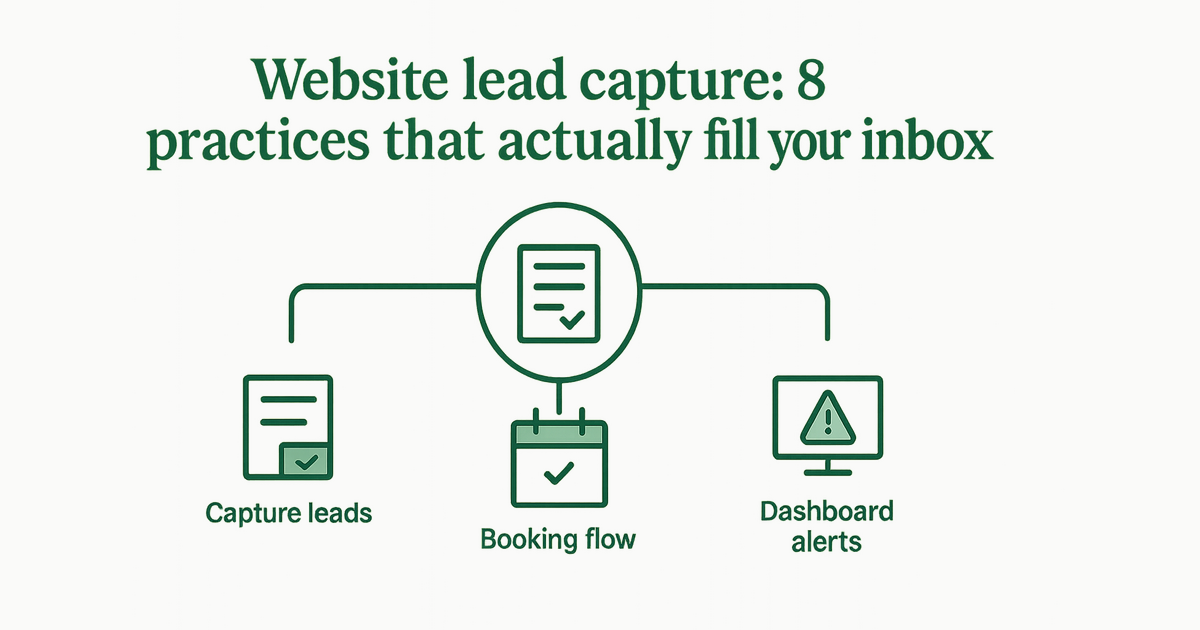
Website lead capture: 8 practices that actually fill your inbox
Forms, CTAs, mobile layout, and attribution—how local businesses turn traffic into qualified inquiries.
By AJ Herold · June 9, 2026 · 6 min read
How this was written: drafted with AI assistance from NurtureSite's product documentation and Search Console data, then checked against the sources linked above and published under the editorial responsibility of AJ Herold. Spotted an error? Email sales@mg.nurturesite.com.
Traffic is expensive; losing leads is worse
Most small business sites get fewer than 500 visits a month. If only a small fraction convert, you need every form, button, and phone link working on mobile. These eight practices consistently improve inquiry volume without buying more ads.
The goal is not a beautiful award submission—it is qualified conversations in your inbox or on your phone. Local service businesses (HVAC, plumbing, landscaping, dental, cleaning, and more) win when the path from search to contact takes seconds.
1. One obvious primary action per page
Each service page should have a single hero CTA—"Get a quote," "Book a visit," or "Call now"—repeated in the header and after proof sections. Competing CTAs ("Subscribe," "Follow us," "Read blog") dilute focus.
Example: A /furnace-repair page should not lead with a newsletter signup. Lead with repair booking or a call button; save secondary actions for the footer.
2. Short forms above the fold on mobile
Name, phone, email, and a message field are enough for first contact. Ask for budget and timeline on a follow-up call, not step one.
Long forms drop completion rates on phones. If you need photos (roof damage, yard layout), offer upload on step two or send a text link after the initial inquiry.
3. Click-to-call on every service page
Many local buyers call from the parking lot. Make tel: links large and test them on iOS Safari.
Pair click-to-call with business hours in the header so expectations stay clear. If you use call tracking, use one primary customer-facing number on the site body and document exceptions.
4. Service-specific landing pages
Send Google Ads to /roof-inspection not /. Match headline, form, and thank-you message to that service.
The same rule applies to organic SEO: local service pages should each carry a form or booking block aligned with that offer.
5. Speed and clarity beat clever design
Slow sites lose leads before the form loads. Plain language—"Licensed in Colorado, insured, same-week installs"—outperforms vague "quality you can trust."
Audit image sizes after launch. A hero photo from a phone camera can be multiple megabytes and choke mobile load times.
6. Show social proof near the form
Three recent reviews or a photo grid beside the form increases completion rates more than another paragraph about your values.
For dental and medical pages, mention credentials near the form. For trades, show insurance and license info where regulations require disclosure.
7. Attribute every submission
Know the landing page and traffic source on each lead. That tells you which pages and campaigns to fund. NurtureSite stores attribution on every form sync to your dashboard.
Without attribution, you might cut the wrong ad or ignore a service page that quietly drives half your quotes. Compare approaches in first-party analytics vs Google Analytics.
8. Respond fast—and say so
Add copy like "We reply within one business hour." Then actually do it. Speed-to-lead still wins in home services.
Automated confirmation emails help—"We received your request and will call from (555) 123-4567"—so customers recognize your callback.
Tip: Thank-you pages are underrated. Confirm next steps, show a phone number, and link to online booking if they skipped scheduling.
Pair forms with booking when it fits
High-intent visitors want a time slot, not a callback tag. Online booking on your own site captures those users without a separate tool.
Use forms for ambiguity; use booking for defined services with known duration and price/deposit rules.
Lead capture and privacy
Forms collect personal data. If you run analytics or remarketing, use a proper cookie consent banner and link to your privacy policy near the form.
Do not pre-check marketing consent boxes. Valid consent and higher conversion rates are not opposites—you need clear copy, not dark patterns.
Post-launch optimization loop
- Review which pages produce leads monthly (not only which rank)
- A/B test headline and CTA text on your top two service URLs
- Add internal links from blog posts to high-converting forms—see GSC-driven content ideas
- Fix 404s and broken forms before spending more on ads
When to rebuild vs tune
If your site runs on a patchwork of plugins and forms break on mobile, a focused rebuild might cost less than months of lost leads. Our website cost breakdown and AI builder overview help you compare paths.
Improve your site today: Start a free NurtureSite preview, see how it works, or review local SEO basics.
Form copy that converts (without hype)
Replace abstract promises with specifics:
- "Licensed master plumber, CO #12345"
- "Most estimates scheduled within 48 hours"
- "Serving Boulder County since 2012"
Ask one optional question that helps routing—"Residential or commercial?"—not a ten-field survey. If you run seasonal promos, mention them beside the submit button, not only on a separate coupons page.
Test your own form on a phone once a quarter. Autofill, keyboard types, and error messages break silently after theme updates.
Integrations that should not steal leads
Some teams route forms to a shared inbox, CRM, or SMS tool. That is fine—if delivery is monitored. A form that succeeds on the site but fails in Zapier still costs you jobs.
Confirm spam filtering does not trash residential domains, and that first-party analytics still records the submission when integrations fire.
For high-value services—full roof replacements, whole-home HVAC, major landscape installs—consider a human callback promise instead of instant automated quotes you cannot honor.
Related reading
- Understanding NurtureSite Pricing: What You Get for /Month — Discover the all-in-one pricing of NurtureSite and what it includes for local service businesses.
- What is NurtureSite? A Complete Overview for Local Service Businesses — Discover what NurtureSite offers local service businesses, from websites to lead capture.
- How to Set Up Forms and Booking on Your Domain — Set up contact forms and online booking directly on your domain — so every lead lands in your NurtureSite dashboard inbox, not a third-party…
- Understanding Booking Deposit Percentages by Service Type — Learn how to set booking deposit percentages by service type, reduce no-shows, and collect deposits online with NurtureSite's built-in booki…
- How to Create a Landscaping Portfolio Website That Gets Quote Requests — Learn how to design a landscaping portfolio website that effectively converts visitors into quote requests.
- How to Write Service Pages That Are Not Thin Content — Thin service pages cost you leads. Learn how to add proof, outline your process, and target city-and-service combinations that rank and conv…
- Choosing the Right Website Builder with Online Booking for Your Business — Discover how to select a website builder that integrates online booking, reducing no-shows and enhancing customer experience.
- Why Local Service Businesses Need AI-Built Websites — Discover how AI-built websites can transform local service businesses and drive more leads. In today’s digital landscape, having a robust on…
- Unlocking the Power of AI-Built Websites for Local Service Businesses — Discover how AI-built websites can enhance your local service business's online presence and lead generation. Learn the benefits and strateg…

AJ Herold, Founder
Alexander Herold is the founder of NurtureSite, where he builds website, CRM, and booking software for local service businesses. He writes about what actually turns search traffic into booked work.
More about AJ HeroldPrefer NurtureSite in Google Search
Add nurturesite.com as a preferred source so our articles can appear with a preferred badge in Google Top Stories and AI Mode.
Add as preferred sourceRelated articles
- Mastering Local SEO: Essential Strategies for Service BusinessesDiscover essential local SEO strategies tailored for service businesses to enhance visibility and drive bookings. Start optimizing your local presence today!
- Maximize Bookings with On-Domain Scheduling and DepositsDiscover how booking on your own domain, clear service menus, and deposit systems can enhance your service business's efficiency and reduce no-shows.
- How to Write Service Pages That Are Not Thin ContentThin service pages cost you leads. Learn how to add proof, outline your process, and target city-and-service combinations that rank and convert.
- Landscaping Website Quote Form Best Practices for Effective Lead CaptureLearn how to optimize your landscaping website for effective quote capture with best practices for gallery blocks, project pages, and analytics.
- Understanding Booking Deposit Percentages by Service TypeLearn how to set booking deposit percentages by service type, reduce no-shows, and collect deposits online with NurtureSite's built-in booking tools.
- How to Set Up Forms and Booking on Your DomainSet up contact forms and online booking directly on your domain — so every lead lands in your NurtureSite dashboard inbox, not a third-party app.
- What is NurtureSite? A Comprehensive Overview for Local Service BusinessesDiscover how NurtureSite simplifies web development for local service businesses with an all-in-one solution for just $79/month.