
SEO & analytics
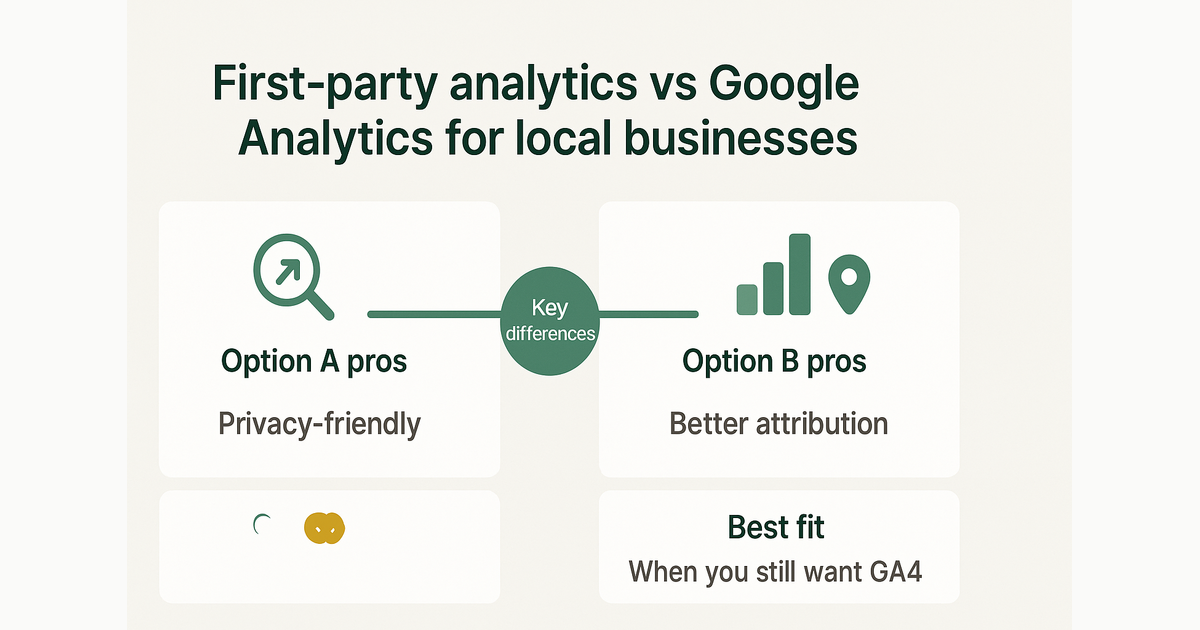
First-party analytics vs Google Analytics for local businesses
Compare privacy, attribution, and setup time—and when you still want GA4 behind a consent banner.
By AJ Herold · June 13, 2026 · 5 min read
How this was written: drafted with AI assistance from NurtureSite's product documentation and Search Console data, then checked against the sources linked above and published under the editorial responsibility of AJ Herold. Spotted an error? Email sales@mg.nurturesite.com.
Two philosophies: rent vs own your measurement
Google Analytics 4 is free, familiar, and deeply integrated with Google Ads. First-party analytics stores events on your domain (or your vendor's account tied to your site) with less cross-site tracking. Local businesses increasingly choose first-party tools to simplify consent and see leads beside traffic in one dashboard.
The question is not "which is best" globally—it is which helps you answer: Where did this booking come from, and which page should I improve next?
Google Analytics 4 — strengths
- Industry-standard reports and benchmarks
- Strong Google Ads attribution when linked
- Huge ecosystem of courses and agencies
- Funnel and exploration tools once configured
If you spend heavily on Google Search and Display, GA4 plus linked Ads accounts remains the default optimization stack.
GA4 — tradeoffs for small sites
- Consent requirements in EU/UK (and tightening US rules)—see cookie consent basics
- Sampling and learning curves on exploration reports
- Data processed under Google's terms, not only yours
- Disconnect between "sessions" in GA and actual form submissions unless you configure events carefully
A three-person HVAC shop rarely needs GA4's full reporting surface. They need reliable source attribution on calls, forms, and bookings.
First-party analytics — strengths
- Events tied to your account and often your lead inbox
- Fewer third-party cookies → simpler consent copy
- Conversion metrics (forms, bookings) next to traffic sources without stitching tools
- Landing-page attribution on each lead—critical for lead capture optimization
When a landscaper sees "14 quote requests from /patio-installation via organic search," that is an actionable report. When GA shows "127 sessions" without tied conversions, the next step is unclear.
First-party — tradeoffs
- You may still want GA4 for advanced ad optimization
- Historical benchmarks from GA do not transfer
- Team members already trained on GA need a short onboarding
- Cross-device journeys are harder than in Google's logged-in ecosystem
What to measure on a local service site
At minimum, track:
| Event | Why it matters |
|---|---|
| Page views by URL | Which services attract interest |
| Form submissions | Quote pipeline |
| Bookings (free and paid) | Scheduled work—see on-site booking |
| Click-to-call (if tracked) | Phone-heavy trades |
| Traffic source / referrer | Ads vs organic vs direct |
Tie each conversion to a landing page, not only site-wide totals.
A practical hybrid
Many NurtureSite customers run built-in analytics for day-to-day decisions—visitors, sources, attributed leads—and optionally add GA4 or Meta Pixel behind the marketing cookie toggle. Visitors who reject marketing cookies still get a fast site; you still see aggregate traffic with analytics consent.
This respects privacy choices without flying blind on core site performance.
Consent and data quality
Rejecting marketing cookies should not break your site. Analytics cookies deserve their own category—distinct from remarketing pixels.
Pre-consent GA4 loading in regulated markets skews both ethics and data. Gate tags properly and accept that opt-out visitors will not appear in GA—your first-party dashboard may still show aggregate trends depending on configuration.
Tip: Compare lead counts in your inbox to analytics monthly. If forms work but analytics shows zero conversions, fix event tracking before reallocating ad budget.
Questions to ask any vendor
- Where is event data stored?
- Can I export or delete it on request?
- Does it respect cookie choices automatically?
- Can I see which page produced each lead?
- Are bookings and deposits tracked as separate events?
GA4 setup tips (if you use it)
- Link Google Ads and Search Console
- Mark form submit and booking as key events
- Filter internal traffic from office IPs
- Keep a simple Looker Studio dashboard—three widgets beat an unused GA account
First-party fits these scenarios
- You want leads and traffic in one login
- You need simpler cookie consent copy
- You optimize pages and CTAs more than multi-channel attribution models
- You are launching a new site and have no GA history to lose—pair with local SEO from day one
Related reading
- First-Party Analytics for Small Business Websites: Unlocking Insights for Growth — Discover how first-party analytics can enhance your small business website's performance, with insights on attribution and consent managemen…
- Understanding Privacy and Data Protection for Your Local Service Business — Learn how to protect your data and ensure privacy compliance for your local service business. Discover key regulations and best practices.
- Cookie consent basics
- Lead capture practices
- Website cost breakdown (analytics line items)
See it on your site: Start a free NurtureSite preview. Help Center: analytics dashboard.
Reporting rhythm for busy owners
You do not need daily dashboards. A monthly fifteen-minute review is enough:
- Top five landing pages by visits
- Top five landing pages by leads or bookings
- Sources that grew or dropped month over month
- One page to improve next (title, proof, or CTA)
Share the same view with anyone running ads so website spend ties to outcomes—not vanity traffic.
If GA4 and first-party numbers disagree, trust the inbox and booked calendar first, then fix tracking gaps.
Analytics and ad spend
If you run Google Local Services Ads or Meta lead campaigns, confirm which platform is the "source of truth" for ROI. Ads dashboards optimize toward their own pixels; your site should still record the landing page that closed the loop.
When you add GA4 behind marketing cookie consent, expect lower reported sessions from EU traffic—that is not a traffic drop, it is measurement catching up to choices visitors make.
Onboarding your team
Office staff do not need GA certification—they need one screenshot: where leads came from this week. Pick a single dashboard for standups and stick with it for a quarter before switching tools.
Document definitions once: what counts as a "lead" (form only vs calls), what counts as a "booking," and whether deposits are tracked separately from holds.

AJ Herold, Founder
Alexander Herold is the founder of NurtureSite, where he builds website, CRM, and booking software for local service businesses. He writes about what actually turns search traffic into booked work.
More about AJ HeroldPrefer NurtureSite in Google Search
Add nurturesite.com as a preferred source so our articles can appear with a preferred badge in Google Top Stories and AI Mode.
Add as preferred sourceRelated articles
- Cookie consent for small business websites (without the legal panic)What GDPR-friendly banners need to do, which cookies matter, and how to keep analytics honest when visitors opt out.
- First-Party Analytics for Small Business Websites: Unlocking Insights for GrowthDiscover how first-party analytics can enhance your small business website's performance, with insights on attribution and consent management.
- Understanding Privacy and Data Protection for Your Local Service BusinessLearn how to protect your data and ensure privacy compliance for your local service business. Discover key regulations and best practices.
- Website lead capture: 8 practices that actually fill your inboxForms, CTAs, mobile layout, and attribution—how local businesses turn traffic into qualified inquiries.