
Websites & design
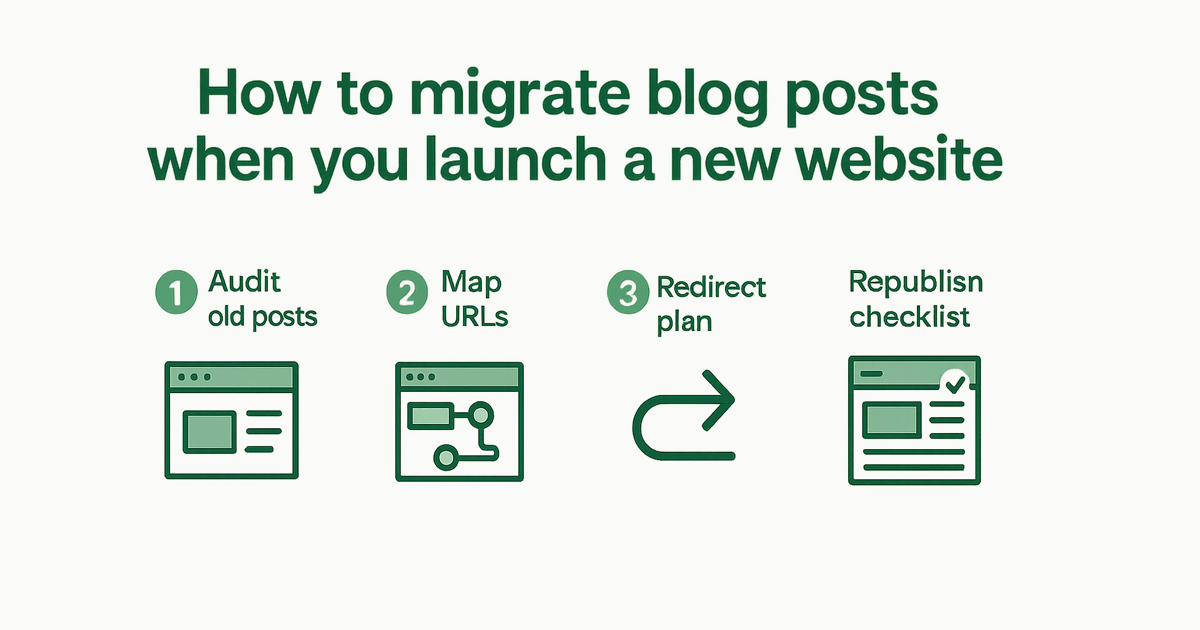
How to migrate blog posts when you launch a new website
Redirects, URL structure, and what to import from your old site so you do not lose SEO momentum.
By AJ Herold · June 16, 2026 · 5 min read
How this was written: drafted with AI assistance from NurtureSite's product documentation and Search Console data, then checked against the sources linked above and published under the editorial responsibility of AJ Herold. Spotted an error? Email sales@mg.nurturesite.com.
Redesigns fail when URLs disappear
Moving to a new website is the right time to improve design and booking—but blog migrations cause traffic cliffs when old URLs 404. Search engines and backlinks point at /blog/old-slug; your new CMS must answer at the new location or redirect.
Service businesses lose years of "how to" posts—winter pipe tips, lawn care calendars, dental FAQ articles—when migration is treated as copy-paste day instead of an SEO project.
Step 1: Inventory old content
Export or crawl:
- Post URLs and publish dates
- Featured images (download or note hotlink risk)
- Categories/tags (optional on new site)
- Top performers in Search Console ("Pages" report)
Prioritize posts that still drive impressions or leads. A 2019 post about "tankless water heater pros and cons" that still ranks is worth more than ten thin announcements nobody reads.
Quick audit worksheet
| URL | Monthly impressions | Leads (if known) | Action |
|---|---|---|---|
| /blog/... | from GSC | from inbox | keep, merge, redirect, retire |
Retire only when content is outdated and no replacements exist—then 301 to the closest live service page.
Step 2: Decide URL strategy
Keep slugs when possible — /blog/pool-maintenance-tips → same path on the new site
Change slugs only with 301 redirects — Map every old URL to its replacement in server config or your CMS redirect table
Avoid site-wide /blog → /articles changes unless you enjoy updating backlinks.
Consistency helps local SEO: internal links from old posts should still resolve after launch.
Step 3: Import body content cleanly
Watch for:
- Embedded iframes from old builders
- Inline CSS that breaks your new theme
- Broken internal links (
/servicesvs/our-services) - Images hosted on the old domain that will 404 when you cancel hosting
NurtureSite can discover posts from your existing URL during onboarding and plan them into your new site. Results depend on how your old site exposes its blog index.
Formatting cleanup
- Convert weird heading hierarchies to clean H2/H3
- Replace
<font>tags and spacer GIFs from legacy WordPress - Update phone numbers and service names in body copy
Step 4: Refresh—not only copy-paste
Update titles for 2026 search intent, add internal links to new service pages, and embed a CTA ("Book a service visit") in the conclusion.
Before: "Contact us for more information."
After: "Schedule a spring tune-up" linking to on-site booking or your quote form—see lead capture practices.
Add links to related posts and service pages. A post about "signs you need AC repair" should link to /ac-repair.
Step 5: Technical launch checklist
- Submit updated
sitemap.xmlin Google Search Console - Request indexing for top 10 URLs
- Monitor 404s for 30 days
- Keep old hosting live with redirects until traffic stabilizes
- Verify HTTPS certificates on both old and new hosts during cutover
- Test redirects from mobile—not only desktop curl commands
Tip: Launch Tuesday–Thursday morning so you can watch Search Console and fix redirects before the weekend.
Step 6: Ongoing publishing
After migration, publish on a schedule—even one post a month signals an active business. Use your site admin's AI blog assistant for drafts; you edit and approve.
GSC-driven blog content prioritizes queries you already almost rank for—faster wins than random topics.
Pair publishing with first-party analytics to see which posts drive form fills and bookings, not only pageviews.
Common migration mistakes
- Turning off old hosting before redirects propagate
- Redirect chains (A→B→C) that slow crawlers
- Soft 404s — "Page not found" text with HTTP 200 status
- Dropping author/date when freshness matters for YMYL-adjacent topics (health, finance-adjacent home services)
- Ignoring cookie consent on new embeds — analytics tags added during migration must respect consent
Budget and tooling
Migration time is a real cost—whether you pay an agency hourly or spend weekends yourself. Factor it into your website budget.
If you are rebuilding with an AI website builder, run blog discovery during onboarding—not as an afterthought the week after launch.
Further reading
Launch with migration support: Register for NurtureSite and include your current website URL in onboarding. Review how it works for the full launch path.
Who should own migration tasks
| Task | Owner |
|---|---|
| URL inventory + redirects | Whoever controls DNS/hosting |
| Content refresh | Owner or office manager |
| Image downloads | Whoever has CMS access |
| Search Console checks | Whoever runs marketing |
| Form/booking tests | Front desk or ops |
Clear ownership prevents the classic handoff gap—design launches Friday, redirects wait until "someone on the IT side" returns Monday.
If an agency built the old site, export credentials and redirect rules before canceling their hosting. Losing server access turns a afternoon migration into a reconstruction project.
Post-migration content opportunities
After redirects stabilize, use Search Console to find posts with declining clicks—often a sign titles are stale or competitors published fresher answers. Refreshing an existing URL is faster than publishing net-new slugs and preserves accumulated signals.
Link refreshed posts to new service pages you added during the redesign so internal authority flows to booking and quote paths.
Tools that help (without replacing judgment)
Export tools, crawler apps, and Search Console exports speed inventory—but a human still decides keep vs merge vs retire. Prioritize URLs with backlinks from local chambers, suppliers, or news sites; those redirects protect referral traffic as well as Google rankings.
After 60 days, compare pre- and post-migration impressions in GSC for your top twenty URLs. Flat or rising curves mean the migration worked; cliffs mean a redirect map still has holes.

AJ Herold, Founder
Alexander Herold is the founder of NurtureSite, where he builds website, CRM, and booking software for local service businesses. He writes about what actually turns search traffic into booked work.
More about AJ HeroldPrefer NurtureSite in Google Search
Add nurturesite.com as a preferred source so our articles can appear with a preferred badge in Google Top Stories and AI Mode.
Add as preferred sourceRelated articles
- Understanding the True Cost of Small Business Websites in 2026Explore the hidden costs of cheap websites, the expected pricing for small business sites in 2026, and how to preview NurtureSite for free.
- Mastering Local SEO: Essential Strategies for Service BusinessesDiscover essential local SEO strategies tailored for service businesses to enhance visibility and drive bookings. Start optimizing your local presence today!