
Websites & design
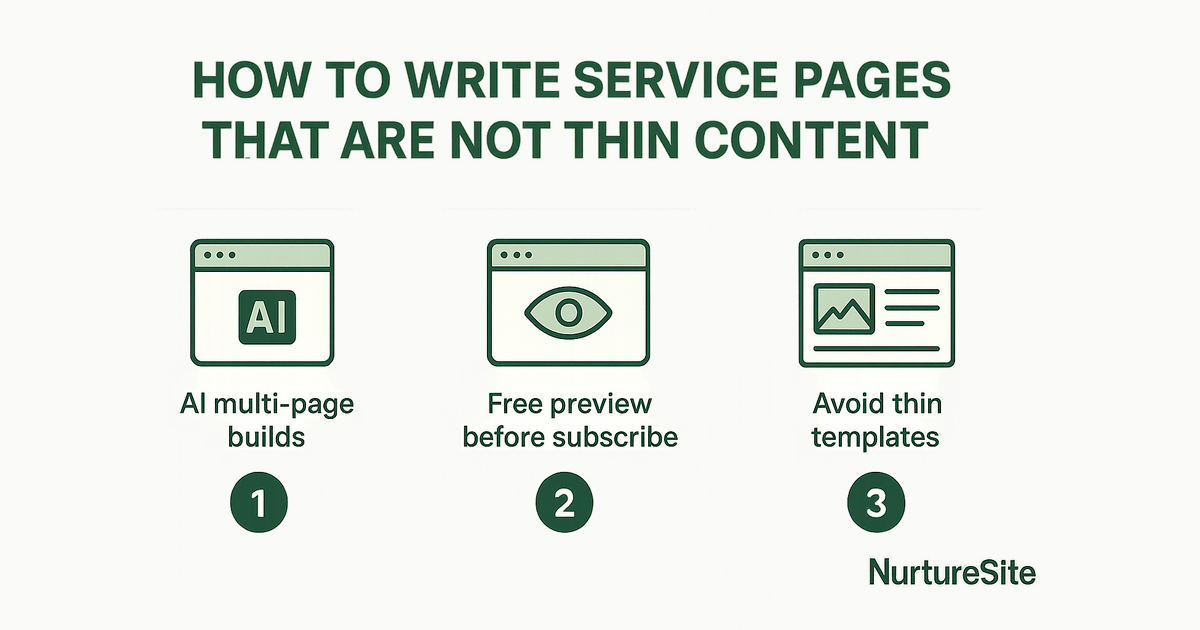
How to Write Service Pages That Are Not Thin Content
Thin service pages cost you leads. Learn how to add proof, outline your process, and target city-and-service combinations that rank and convert.
By AJ Herold · July 29, 2026 · 5 min read
How this was written: drafted with AI assistance from NurtureSite's product documentation and Search Console data, then checked against the sources linked above and published under the editorial responsibility of AJ Herold. Spotted an error? Email sales@mg.nurturesite.com.
Understanding the Importance of Service Pages
Service pages are crucial for local service businesses. They not only inform potential customers about what you offer but also play a significant role in your website's SEO. When done right, these pages can convert visitors into leads and ultimately into paying customers. However, many service pages fall into the trap of being thin content, which can harm your search engine rankings and user experience. In this guide, we will explore how to write service pages that are rich in content and effective in driving conversions.
Key Components of Effective Service Pages
To create service pages that stand out, you should include three essential sections: proof, process, and a clear call to action (CTA). Let's delve into each of these components.
1. Proof: Building Trust with Your Audience
Proof is about establishing credibility. This can be achieved through various means:
- Testimonials: Showcase reviews from satisfied customers. Real experiences can significantly influence potential clients.
- Case Studies: Provide detailed examples of how your service has helped other customers. This not only demonstrates your expertise but also gives potential clients a clear picture of what to expect.
- Certifications and Awards: If your business has received any accolades or certifications, display them prominently on your service pages. This adds an extra layer of trust.
Including proof on your service pages can reassure visitors that they are making the right choice by choosing your services.
2. Process: Outlining What to Expect
Next, outline your process. This helps demystify your services and sets clear expectations for your customers. Consider including:
- Step-by-Step Breakdown: Describe how your service works in a straightforward manner. Use bullet points or numbered lists to make it easy to read.
- Visuals: Incorporate images or videos that illustrate your process. Visual content can enhance understanding and engagement.
- FAQs: Address common questions related to your service. This not only provides valuable information but also helps in reducing any apprehensions potential clients may have.
By clearly outlining your process, you make it easier for potential customers to understand what they will receive, which can lead to higher conversion rates.
3. Call to Action (CTA): Guiding the Next Steps
Every service page should have a clear and compelling CTA. This is where you guide your visitors on what to do next. Use action-oriented language and ensure that your CTA stands out. Here are some tips:
- Be Direct: Use phrases like "Get a Free Quote" or "Book Your Appointment Today" to encourage immediate action.
- Positioning: Place your CTA at strategic points on the page, such as at the end of the proof and process sections.
- Reinforce Value: Remind visitors of the benefits they will receive by taking action. For example, "Book now and enjoy a 10% discount on your first service!"
Unique City and Service Combinations
When writing service pages, it's essential to create unique content that caters to specific city and service combinations. This not only enhances your SEO efforts but also makes your pages more relevant to local customers. Here are some strategies:
- Local Keywords: Use city names and relevant local terms throughout your content. For example, instead of just "plumbing services," use "plumbing services in [City Name]."
- Tailored Content: Customize your service descriptions to reflect local needs or conditions. For instance, if you're offering landscaping services, mention local flora or climate considerations.
- Service Area Pages: Consider creating dedicated service area pages that target multiple cities. This allows you to optimize for various locations without diluting the content quality.
By focusing on unique city and service combinations, you can improve your visibility in local search results and attract more targeted traffic to your site.
Previewing a Full Multi-Page Site Before You Subscribe
One of the standout features of NurtureSite is the ability to preview a full multi-page site before you subscribe. This allows you to see how your service pages will look and function, giving you the confidence to move forward. Here’s why this is beneficial:
- Visualize Your Content: You can see how your proof, process, and CTAs will come together on the page.
- Make Adjustments: If something doesn’t look right or feels off, you can make changes before going live.
- Test User Experience: Ensure that the navigation and overall user experience are smooth and intuitive.
This feature can save you time and ensure that your service pages are not only informative but also visually appealing and user-friendly.
Conclusion
Creating service pages that are rich in content and free from thin content pitfalls is essential for local service businesses. By incorporating proof, outlining your process, and including a strong CTA, you can create pages that convert. Additionally, focusing on unique city and service combinations will enhance your local SEO efforts. Finally, take advantage of NurtureSite's preview feature to ensure your site meets your expectations before going live.
For more insights on creating effective service pages, check out our service page outline generator and our guide on local SEO for service businesses. Ready to enhance your online presence? Explore our features and see how NurtureSite can help you build a website that captures leads and drives conversions.
Start your journey today by checking our pricing options!
Next steps
A modern service business website should capture leads, explain your offers clearly, and stay easy to update without a developer. NurtureSite builds your core pages, blog, analytics, and consent tooling together so you can launch in about fifteen minutes and keep improving from one dashboard.
Further reading:
For official guidance, see Google Business Profile help.
Related reading
- Unlocking the Power of AI Multi-Page Builds for Your Local Service Business — Discover how AI multi-page builds can streamline your website creation process and preview for just .
- Durable Website Builder Alternative: NurtureSite vs. Durable AI Brochure — Explore how NurtureSite's all-in-one platform stacks up against Durable's AI brochure.

AJ Herold, Founder
Alexander Herold is the founder of NurtureSite, where he builds website, CRM, and booking software for local service businesses. He writes about what actually turns search traffic into booked work.
More about AJ HeroldPrefer NurtureSite in Google Search
Add nurturesite.com as a preferred source so our articles can appear with a preferred badge in Google Top Stories and AI Mode.
Add as preferred sourceRelated articles
- Why Multi-Page Builds Outperform Homepage-Only AI Tools for Local Service BusinessesDiscover why multi-page websites are essential for local service businesses, enhancing lead capture, booking, and analytics compared to single-page AI tools.
- Mastering Local SEO: Essential Strategies for Service BusinessesDiscover essential local SEO strategies tailored for service businesses to enhance visibility and drive bookings. Start optimizing your local presence today!
- Website lead capture: 8 practices that actually fill your inboxForms, CTAs, mobile layout, and attribution—how local businesses turn traffic into qualified inquiries.